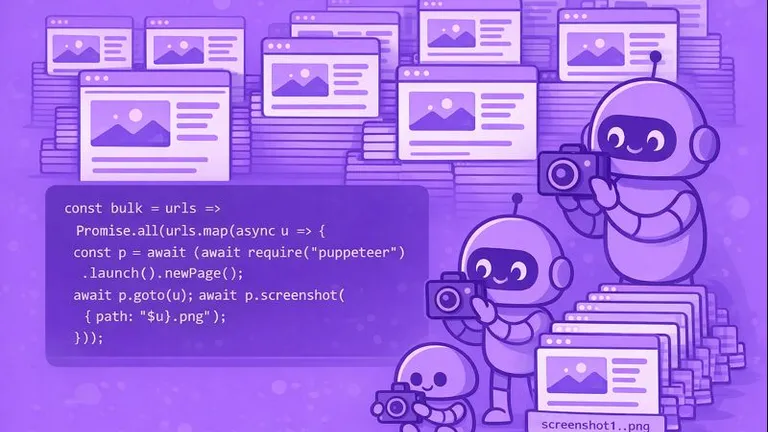
How to take bulk screenshots with Puppeteer
Learn how to take screenshots of multiple URLs with Puppeteer, including concurrency management, error handling, retries, and proxy support.
- Written by
- Dmytro Krasun
- Updated on
- 8 min read
Best practices for rendering reliable website screenshots.
Learn how to take screenshots of multiple URLs with Puppeteer, including concurrency management, error handling, retries, and proxy support.
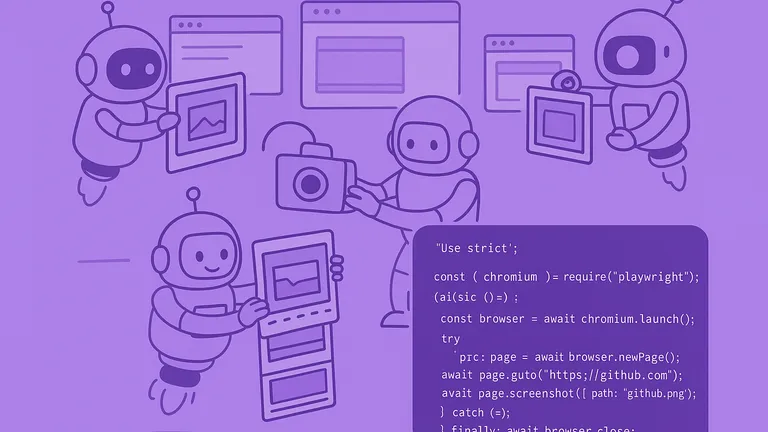
Sharing working Playwright examples based on the experience of building one the best screenshot APIs.

There 3 simple ways to render website screenshots in Next.js—using Puppeteer, Cloudflare Browser Rendering, and a screenshot API like ScreenshotOne or similar.

Learn how to build a screenshot API from scratch. Render website screenshots, capture full pages, block cookie banners, trigger lazy-loaded content, upload results, and prepare the service for deployment.

You don't need a screenshot API if it is a one-off task for you and you can use some library for screenshotting.

Compare ScreenshotOne, ScreenshotAPI.net, and Screenshot Machine by pricing, monthly screenshot limits, capabilities, and best-fit use cases.
Social media platforms often restrict automation, but with the right tools and care for compliance, capturing screenshots is possible.

The article examines how you can take screenshots of any URL with C# (.NET) by using PuppeteerSharp, or screenshot API as a service.
Exhaustive documentation, ready SDKs, no-code tools, and other automation to help you render website screenshots and outsource all the boring work related to that to us.