The screenshot API for AI agents
Give AI agents reliable screenshots of web pages so they can inspect, compare, verify, and act with visual context.
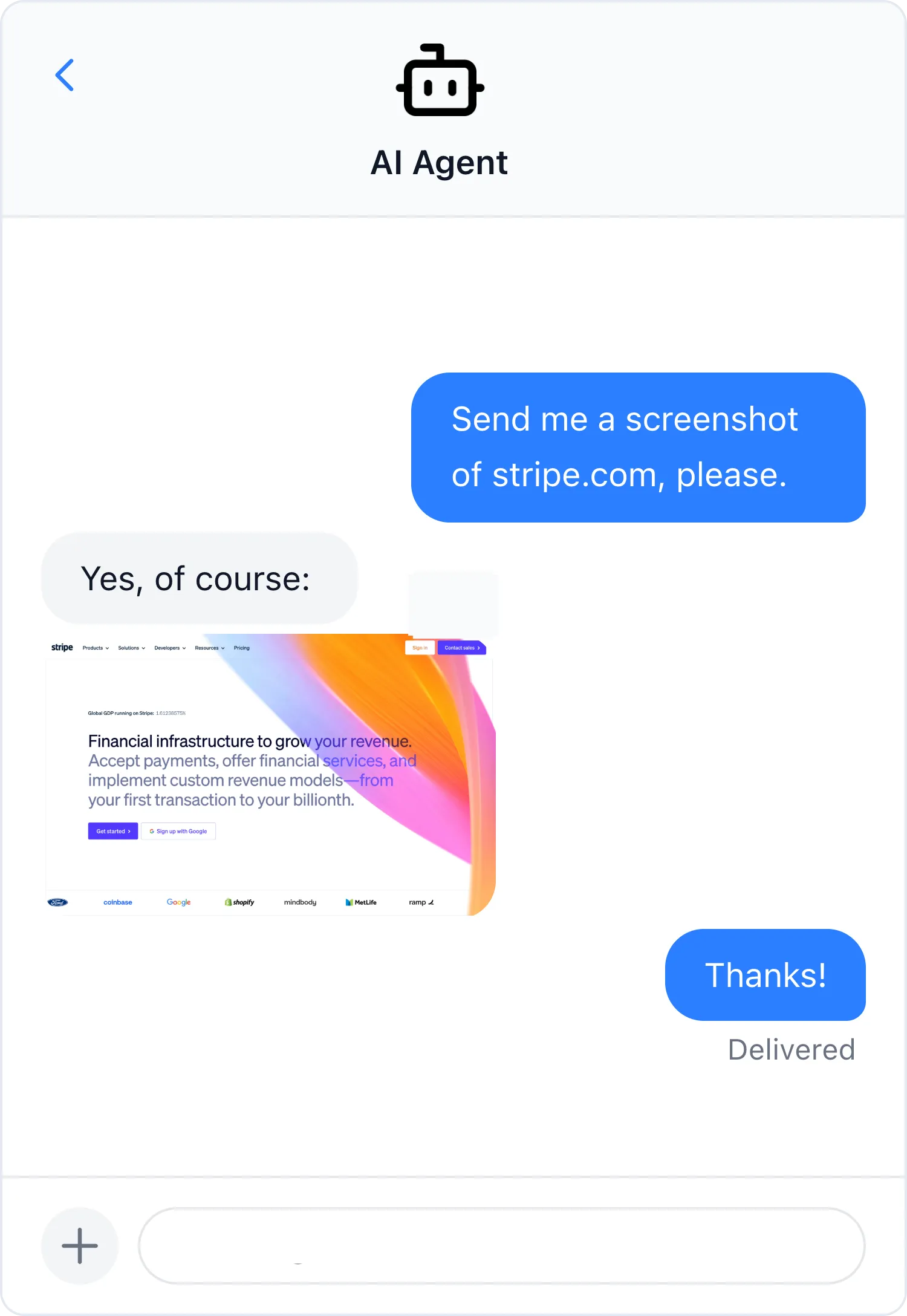


Browser observation
Let agents see what users see
HTML and extracted text tell an agent what a page contains. A screenshot shows what actually rendered, giving the agent visual context it can inspect and preserve.
Verify the rendered state
Let an agent confirm what appeared after JavaScript ran, not just what the page source or extracted text contains.
Compare visual changes
Capture the same page over time so an agent can spot layout changes, missing elements, and unexpected states.
Attach evidence to results
Include a screenshot with an audit, monitoring alert, verification result, or completed agent task.
Inspect pages with vision
Give a vision-capable model the final visual output for review, classification, or a downstream decision.
A practical agent loop
Turn a URL into visual evidence
The agent chooses what to capture. ScreenshotOne handles the browser work. The agent can then inspect the result with a vision model or include it in its output.
- 1
Describe the target
Provide a URL and the state the agent needs to observe, such as a full page or a specific viewport.
- 2
Render in managed Chromium
ScreenshotOne loads the page, applies capture options, and returns the final screenshot.
- 3
Inspect, decide, and report
The agent uses the image as visual context or preserves it as evidence for the completed task.
Capture a full-page screenshot of https://example.com.
Block ads and cookie banners, return a cached URL,
and verify that the pricing table is visible.
Agent integrations
Connect in the way your agent works
Start with a hosted tool, install a reusable skill, or make screenshot capture part of your application code.
Hosted MCP server
Connect a compatible agent through OAuth and render screenshots without running a local server or copying an API key into the client.
Agent Skills
Install a reusable screenshot workflow for Codex and other agents that support skills.
API and SDKs
Call ScreenshotOne directly when screenshots are a deterministic step inside your own agent product or workflow.
Reliable browser execution
Control the page state before an agent sees it
Real pages load asynchronously, show overlays, and change across devices. Capture controls make the visual input cleaner and more predictable.
Wait for the right page state
Wait for browser events, a CSS selector, or an explicit delay before the screenshot is captured.
Remove visual noise
Block ads and cookie banners or hide selected elements before an image reaches the agent.
Capture the required context
Choose a viewport, emulate a device, capture the full page, or isolate one element with a selector.
Return machine-friendly results
Return the image directly or use JSON and caching when an agent needs a reusable screenshot URL.

We thought making a screenshot tool for our AI agents would be simple. But we faced countless unexpected problems.
So, we ditched the idea and chose ScreenshotOne API instead. It saved us lots of time and it just works!
Frequently Asked Questions
Discover quick and comprehensive answers to common questions about our platform, services, and features.
- Why should an AI agent use a screenshot instead of extracted text?
- Extracted text explains what a page says. A screenshot preserves the rendered layout and visible state, including overlays, missing elements, and visual changes. Agent workflows can use both when they need semantic and visual context.
- How can an AI agent connect to ScreenshotOne?
- A compatible agent can connect through the hosted MCP server, use a ScreenshotOne Agent Skill, or call the screenshot API directly from an application or tool.
- Can ScreenshotOne capture JavaScript-heavy pages?
- Yes. ScreenshotOne renders pages in Chromium and supports browser events, selector waits, and delays so an agent can capture the intended page state.
- Can an agent receive a URL instead of a large image response?
- Yes. For workflows that need a reusable URL, request a JSON response with caching enabled. The response can include a cache URL for the rendered screenshot.
Automate website screenshots
Exhaustive documentation, ready SDKs, no-code tools, and other automation to help you render website screenshots and outsource all the boring work related to that to us.