Screenshot API comparison at a glance
Here is the short answer if you want to choose a service without reading the entire guide.
Disclosure: I am the founder of ScreenshotOne. I have linked to each provider’s official pricing page, separated facts from my judgment, and stated the main trade-off for every option.
| API | Entry plan and best fit |
|---|---|
| ScreenshotOne | Entry: 100 free screenshots, then $17/month for 2,000. Best for: Production workflows needing broad browser controls, PDF, caching, S3 uploads, webhooks, and video on higher plans. |
| ScreenshotAPI.net | Entry: $9/month for 1,000 screenshots. Best for: A lower-cost paid entry point with full-page capture, blocking, PDF, bulk capture, and storage integrations; scrolling and video start on higher plans. |
| Screenshot Machine | Entry: 100 free screenshots, then €9/month for 2,500 fresh screenshots. Best for: Straightforward screenshot and PDF capture with full-length captures, device presets, caching, custom error images, and a 99.99% uptime SLA. |
Pricing and plan details were checked on September 4, 2026. Providers can change them, so verify the linked pricing pages before buying.
Which screenshot API should you choose?
- Choose ScreenshotOne when rendering reliability, customization, async workflows, storage, or video matter more than getting the lowest entry price.
- Choose ScreenshotAPI.net when you want to start at $9 per month and may later need bulk screenshots, scrolling captures, or video rendering.
- Choose Screenshot Machine when you primarily need affordable screenshots or PDFs and a smaller option set is enough.
There is no universal winner. Test the pages you actually need to capture, especially JavaScript-heavy sites, long pages, authenticated pages, and pages with cookie banners. The most useful comparison is whether a provider renders your difficult URLs consistently with the options and response time your workflow requires.
How I selected the three services
This guide intentionally limits the shortlist to three established services with public documentation and pricing. A longer directory would give you more names but make the purchasing decision harder.
The original shortlist was informed by products that appeared prominently for the “screenshot API” search. Search results vary by date, location, device, and personalization, so the order in this article is an editorial comparison, not a claim about current Google positions.
I compared the providers using their public pricing and documentation, then focused on the differences most likely to affect a production integration.
If you run or know a screenshot API that isn’t included in the guide but it is a good candidate, please, reach out to support@screenshotone.com and I will consider adding an update. The goal is to reduce decision friction, not list all possible screenshot APIs.
What I compared
Before choosing a screenshot API, check whether it supports the rendering cases that usually become painful in production:
- Full-page screenshots with lazy-loaded content.
- Cookie banner, ad, tracker, and chat widget blocking.
- Custom viewport sizes, device scale factor, dark mode, headers, cookies, scripts, and styles.
- Async jobs, webhooks, retries, and predictable error responses.
- Output formats such as PNG, JPEG, WebP, PDF, GIF, or MP4.
- Storage, caching, signed URLs, and S3-compatible uploads.
- SDKs, documentation, support, uptime, and pricing that match your volume.
Do you really need a screenshot API?
For a local script, test, or low-volume internal task, you may not need a managed API. You can start with Puppeteer or a similar library for Python, Java, Ruby, Haskell, JavaScript or TypeScript, or PHP.
Running it yourself can be cheaper at first, but you become responsible for browser servers, queues, retries, updates, and rendering failures. See how to build a screenshot API yourself if you want to evaluate that path.
Use a managed screenshot API when screenshots are part of a production workflow and you want to outsource browser operations, scaling, and recurring rendering edge cases. For a deeper build-versus-buy checklist, read why and how to choose a screenshot API.
What is a screenshot API?
A screenshot API turns a web page, HTML, Markdown, or another document into a screenshot, PDF, or video through an HTTP request. Instead of running Chrome, Puppeteer, Playwright, queues, storage, retries, and monitoring in your own infrastructure, you send a URL and rendering options to an API and get the generated file back.
Most screenshot APIs let you control viewport size, full-page capture, output format, wait conditions, headers, cookies, and storage. More advanced services also help with cookie banners, ads, lazy-loaded content, retries, webhooks, proxies, caching, and SDKs.
Common use cases include website previews, visual monitoring, archives, reports, Open Graph images, QA snapshots, AI agents, and automated content generation.
Detailed reviews of the best screenshot APIs
1. ScreenshotOne.com—the screenshot API for developers
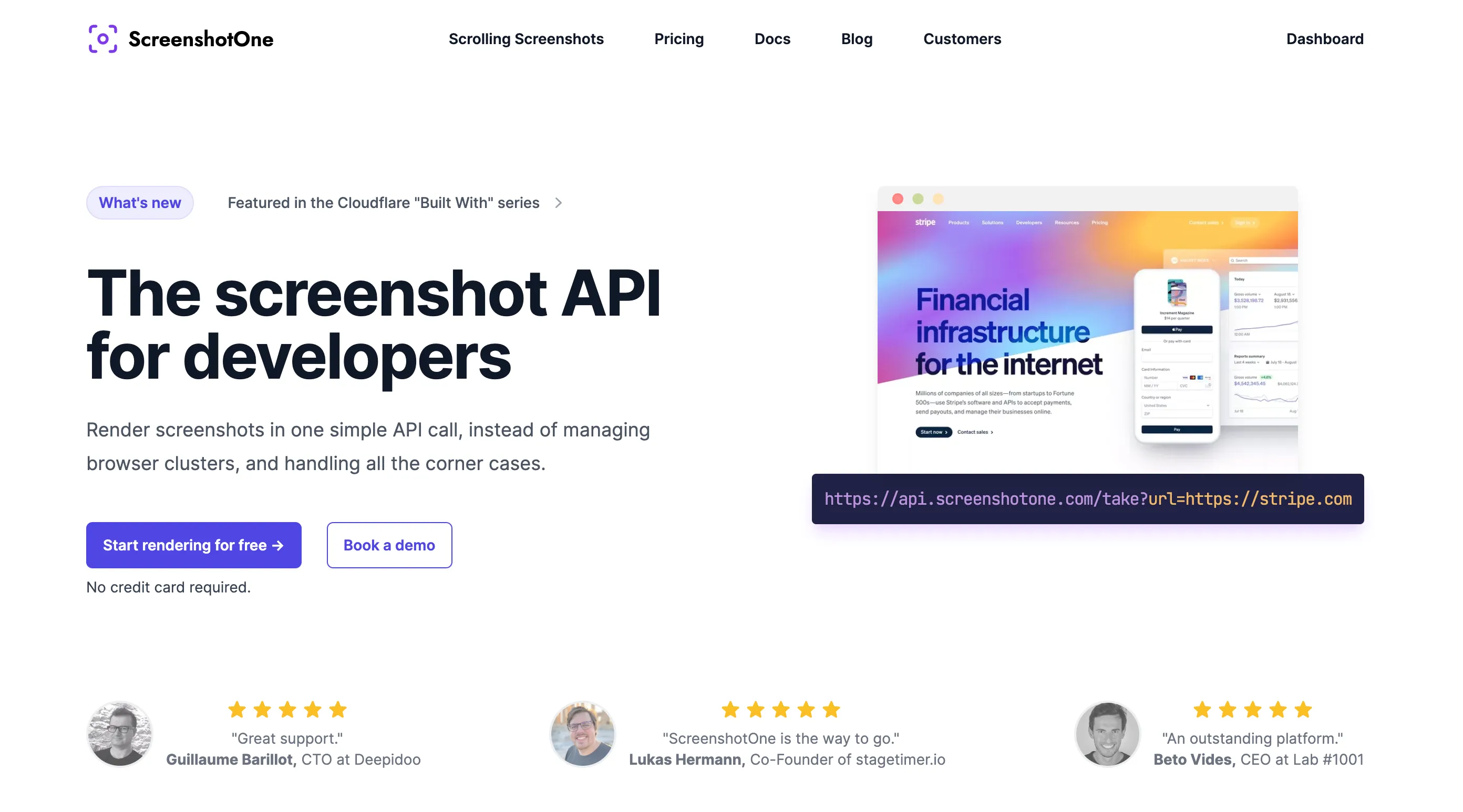
Best for: production screenshot workflows that need detailed browser controls, async jobs, storage, webhooks, or video.
Entry plan: 100 free screenshots, then $17 per month for 2,000 screenshots.
Main trade-off: its paid entry price is higher than ScreenshotAPI.net and Screenshot Machine.
ScreenshotOne is built for developers and AI agents that need managed Chromium rendering in a production workflow. It covers standard screenshot and PDF capture alongside less common requirements such as scrolling videos, GPU rendering, signed links, proxies, custom scripts, and S3-compatible uploads.
I founded ScreenshotOne, so you should treat my evaluation as an informed but interested perspective. Review the documentation, read what customers say, and test the service with your own difficult URLs before deciding.
While ScreenshotOne supports Zapier and other no-code automation tools, its primary focus is giving developers a managed alternative to operating headless-browser infrastructure.

The goal is to free developers’ time for work closer to their product and customers.
As a software engineer with more than 15 years of experience, I try to understand integration problems directly and resolve them quickly.
The Basic plan starts at $17 per month and includes 2,000 screenshots. Higher plans increase volume and add capabilities such as IP-location selection, scrolling screenshots, video generation, GPU rendering, and priority support.
We have plans and strategies to grow the API further and proved that for the last 2 years. We carefully listen to our customer demands and try to solve all current and future problems that arise for them.
You can try the API with 100 free screenshots before choosing a paid plan.
What you get if you go with ScreenshotOne:
- Clean screenshots. We block cookie banners and other annoying pop-ups for you. You just get crisp screenshots that delight your customers.
- Full-page screenshots. Lazy loading images, different glitches, whatever—we got you covered.
- Videos with predefined scenarios such as scrolling screenshots.
- GPU rendering if needed.
- Responsive rendering and device emulation.
- SDKs and code examples for popular programming languages.
- Caching on Cloudflare CDN for up to 30 days.
- Upload screenshots to any S3-compatible storage.
- Proxies.
- IP-location and geolocation controls.
A quick Node.js example shows how to render a screenshot with ScreenshotOne:
// npm install screenshotone-api-sdk --save
import * as fs from "fs";import * as screenshotone from "screenshotone-api-sdk";
// create API clientconst client = new screenshotone.Client("<access key>", "<secret key>");
// set up optionsconst options = screenshotone.TakeOptions.url("https://example.com").delay(3).blockAds(true);
// generate URLconst url = client.generateTakeURL(options);console.log(url);// expected output: https://api.screenshotone.com/take?url=...
// or download the screenshotconst imageBlob = await client.take(options);const buffer = Buffer.from(await imageBlob.arrayBuffer());fs.writeFileSync("example.png", buffer);
// the screenshot is stored in the example.png fileThere are many more ways on how you can integrate with ScreenshotOne.
If you have any questions or concerns, we would be happy to answer them. Please, feel free to reach out at support@screenshotone.com or just schedule a demo call.
2. ScreenshotAPI.net—programmatic screenshots in seconds
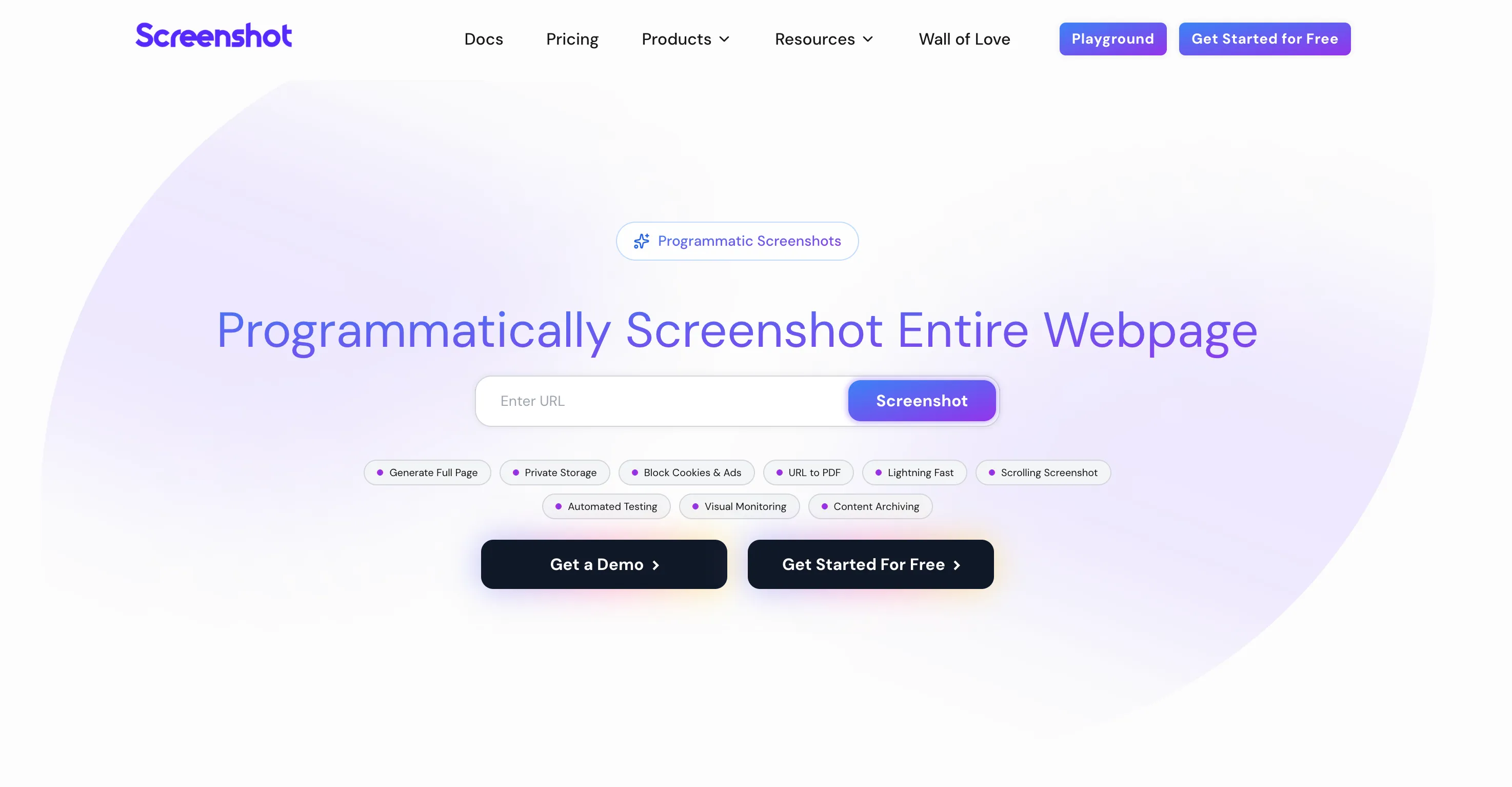
Best for: teams that want a $9 paid entry point and may later need bulk screenshots, storage integrations, scrolling captures, or video.
Entry plan: $9 per month for 1,000 screenshots.
Main trade-off: proxy support, scrolling screenshots, video, and animated captures are not included in the $9 Essentials plan.
ScreenshotAPI.net combines standard full-page screenshots, ad and cookie-banner blocking, image and PDF formats, HTML and text extraction, bulk capture, and storage integrations. Its $29 Startup plan adds scrolling screenshots, video rendering, animated screenshots, proxy support, and a larger bulk limit.
Compared with ScreenshotOne, ScreenshotAPI.net has a lower paid entry price. Compare the exact options you need, however, because the two services group advanced capabilities into their plans differently.
The service exposes an HTTP API and provides examples for several programming languages. A Node.js request can be as simple as:
// npm install node-fetch
import fetch from "node-fetch";import { writeFile } from "fs/promises";
async function captureScreenshot(token, url, options = "") { const response = await fetch( `https://shot.screenshotapi.net/screenshot?token=${token}&url=${url}&${options}` ); const buffer = await response.buffer(); await writeFile("screenshot.png", buffer);}
const TOKEN = "YOUR_TOKEN_HERE";const URL = "https://example.com";
captureScreenshot(TOKEN, URL);It is worth testing if its entry price and plan structure match your expected volume.
3. Screenshot Machine—reliable screenshot API
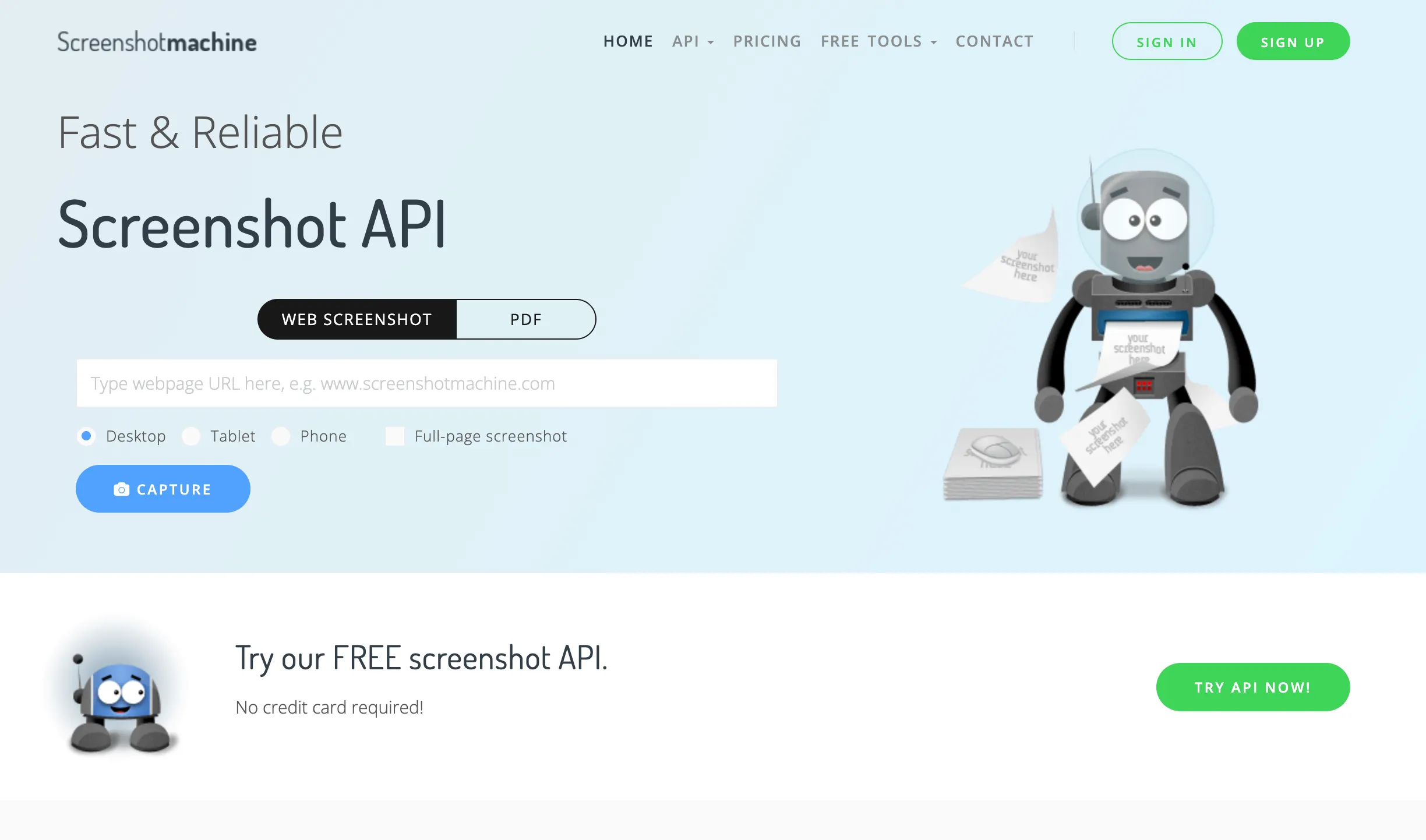
Best for: straightforward screenshot and PDF capture at a low monthly price.
Entry plan: 100 free fresh screenshots, then €9 per month for 2,500 fresh screenshots.
Main trade-off: its public API surface is narrower than the other two services for advanced automation workflows.
Screenshot Machine was founded in 2012 and focuses on website screenshots and PDF conversion. Its screenshot API supports full-length captures, desktop, phone, and tablet presets, JPG, PNG, and GIF output, capture delays, zoom, element clicks, and configurable caching.
Its €9 Basic plan includes 2,500 fresh screenshots, unlimited cached impressions, and a 99.99% uptime SLA. That makes it the strongest entry-level value by monthly screenshot count in this three-provider shortlist. Check its documentation carefully if you also need richer async orchestration, storage destinations, webhooks, or video.
Comparing Microlink or ScrapingBee for screenshots
If you already use Microlink, the Microlink alternative guide compares screenshot options, response formats, and the metadata you need to preserve when switching providers. For ScrapingBee, the ScreenshotOne and ScrapingBee comparison covers screenshot controls, Markdown output, and credit costs. Both guides help you compare a specific workflow before migrating.
Summary
Choose ScreenshotOne for broad rendering controls and production automation, ScreenshotAPI.net for a lower paid entry point with a path to bulk and media features, or Screenshot Machine for economical, straightforward screenshot and PDF capture.
Before committing, send the same representative set of URLs to each provider. Include your longest page, a JavaScript-heavy page, a page with cookie banners, and any authenticated or location-sensitive page your product depends on. Compare the rendered result, latency, errors, and the total plan cost at your expected volume.
Frequently Asked Questions
If you read the article, but still have questions. Please, check the most frequently asked. And if you still have questions, feel free reach out at support@screenshotone.com.
What is a screenshot API?
A screenshot API is an HTTP service that renders a URL, HTML, or another document into an image, PDF, or video. You send a request with rendering options, and the API returns the generated file or a URL to it.
How does a screenshot API work?
Most screenshot APIs run managed browsers such as Chrome or Chromium, load the target page, apply options like viewport size or full-page capture, wait for the page to be ready, and return the rendered screenshot.
When and why use a screenshot API?
Use a screenshot API when screenshots are part of a production workflow and you do not want to manage browser infrastructure, retries, queues, storage, proxies, or rendering edge cases yourself.
Who can benefit from screenshot APIs?
Screenshot APIs are designed for developers who want to automate taking screenshots, as well as website owners who need to track user interactions or add screenshot capabilities to their apps.
Should I use a screenshot API instead of Puppeteer or Playwright?
Use Puppeteer or Playwright for local scripts, tests, and custom browser automation. Use a screenshot API when you need reliability at scale, managed browsers, clean screenshots, webhooks, storage, and support.
Which screenshot API is the best?
There is no single best screenshot API. ScreenshotOne fits production workflows that need broad browser controls and automation, ScreenshotAPI.net offers a lower paid entry point with bulk and media options, and Screenshot Machine suits straightforward, economical screenshot and PDF capture.