
The screenshot API for developers

The reliable way to capture the web. Generate clean screenshots at scale without managing browsers or handling browser edge cases.

No credit card required.
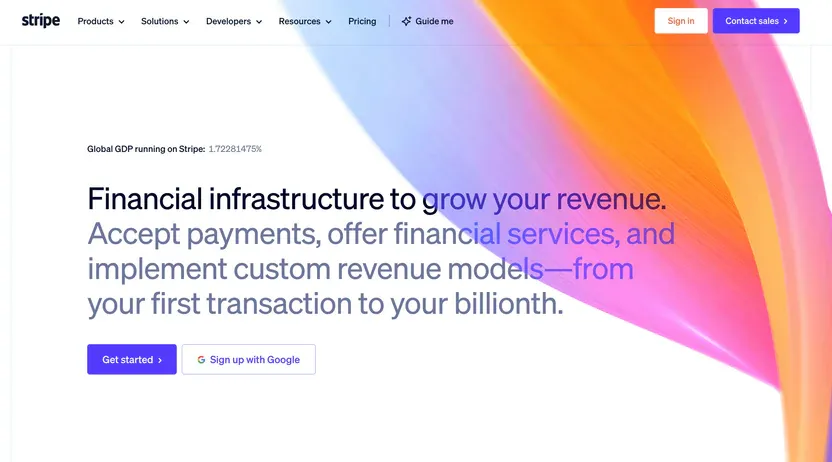
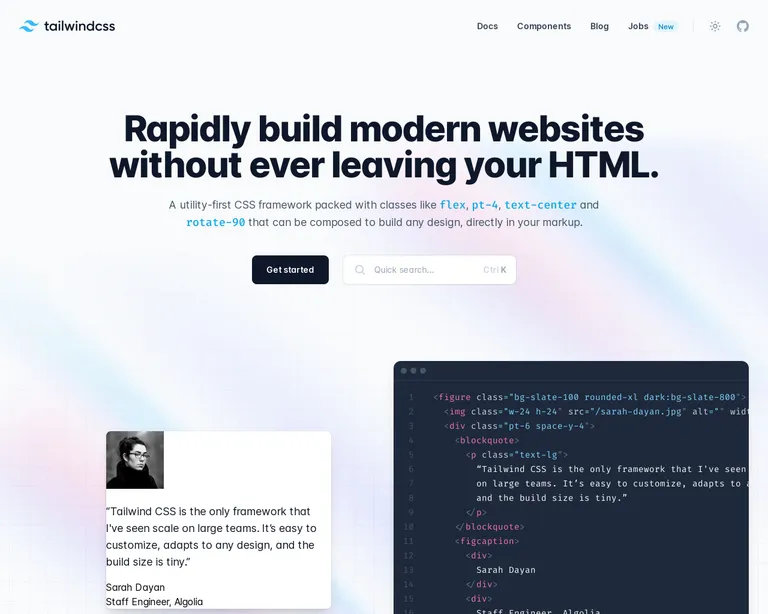
Screenshot of the Stripe homepage
https://api.screenshotone.com/take?url=https://stripe.com
Guillaume Barillot
"Great support."
Guillaume Barillot, CTO at Deepidoo
Mike Roberts
"Great company, great founder!"
Mike Roberts, Founder at SpyFu
Lukas Hermann
"ScreenshotOne is the way to go."
Lukas Hermann, Co-Founder of Stagetimer

Looks great

Take clean screenshots

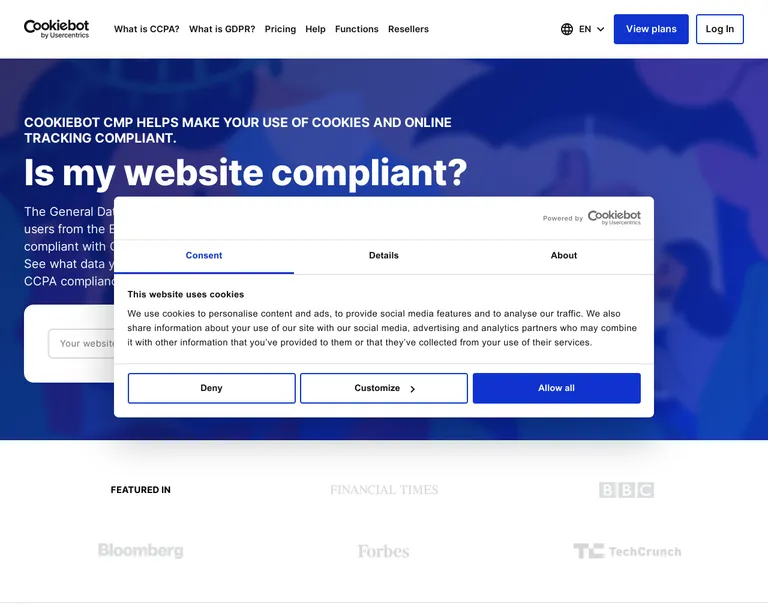
Remove annoying banners easily. ScreenshotOne can block complex GDPR and cookie consent forms. Most cases are covered.

Remove ads
You only specify one parameter to blocks, and we do all the hard work of blocking ads for you.
Block cookie banners
Always up-to-date database of 50,000+ rules and heuristics to block cookie banners on any site.
Hide chat widgets
Our blocking engine not only blocks ads, cookie banners, and other pop-ups but also social media and support chats.
Get started for free →
100 free screenshots per month.
Take clean screenshots
https://api.screenshotone.com/take
?
url=https://cookiebot.com
&

Used by

3,500+

Active developers

Proudly serving companies from small to large every day.

No less than

99.956%

Uptime

Reliability you can count on is one of our core priorities.

last 30 days

6.6M+

Screenshots rendered

Renders the growing screenshot number every day. The API is performant and proven to handle scale.

Customize everything

Render precisely as you need

Our screenshot API supports a large variety of options for customizing website screenshot rendering. No need to write custom code and logic anymore.

Render in the dark mode
Reduce animations, request dark mode theme, or whatever customization you need.
Hide selectors and click on elements
Most common screenshot automations are included as simple options.
Add custom JavaScript and CSS
Our screenshot API covers the most use cases might need. But if something is lacking? You can quickly script it.
Start rendering →
No credit card required.
Render precisely as you need
https://api.screenshotone.com/take
?
url=https://tailwindcss.com
&

Pixel-perfect quality

Take screenshots for any screen size

Your customers will be pleasantly surprised by the quality of screenshots.

Render for Apple's Retina Display
Reduce animations, request dark mode theme, or whatever customization you need.
Any custom screen size or predefined by device
Most common screenshot automations are included as simple options.
Take full-page screenshots with lazy loaded images
We will scroll and trigger lazy loaded images, scripts and other resources for you to make sure that you get a perfect screenshot containing all the content.
Integrate now →
100 free screenshots per month.
Take screenshots for any screen size
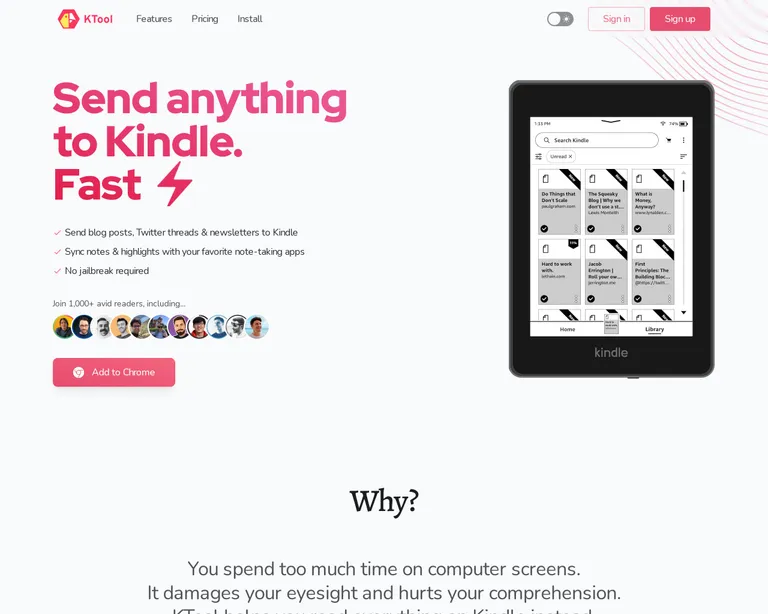
https://api.screenshotone.com/take
?
url=https://ktool.io
&

Integrate today

Use the language you love

Send simple HTTP requests or use native libraries for your language of choice.

Mike Roberts
Mike Roberts
Founder,SpyFu

ScreenshotOne is the best product on the market - and that's before you take into account how responsive and easy Dmytro is to work with.

Any time we've found a rare edge case, it's been resolved in hours.

Great company, great founder - can't say enough!

No infrastructure to manage

Using our screenshot API versus running Puppeteer or Playwright yourself

Puppeteer and Playwright take a screenshot in a few lines of code, but the problem is keeping them running in production at scale, secure and always up to date.

Running Puppeteer or Playwright yourself compared with the ScreenshotOne screenshot API
You run Puppeteer or Playwright on your serversScreenshotOne automates everything for you
Getting startedPuppeteer or PlaywrightInstall Chrome or Chromium, write the capture script and wrap it in a service.ScreenshotOneSend one HTTP request, use an official SDK or connect the MCP server.
ScalingPuppeteer or PlaywrightSize, queue and restart browser instances as traffic grows.ScreenshotOneWe run and scale the browsers. You only send requests.
MaintenancePuppeteer or PlaywrightKeep patching headless browsers and resolving their issues.ScreenshotOneBrowser updates are on us. See what we ship in the changelog.
SecurityPuppeteer or PlaywrightKeep the browser hardening configuration, firewalls and network rules up to date.ScreenshotOnePages render on our infrastructure, away from your servers and network. Hardening the browsers is on us: see our security practices.
Clean screenshotsPuppeteer or PlaywrightWrite scripts or install extensions that block banners and ads, and keep updating them.ScreenshotOneWe block cookie banners and ads for you with 50,000+ rules and heuristics, constantly improved by the volume we render and by customer requests.
Full-page screenshotsPuppeteer or PlaywrightScript the scrolling and wait for lazy-loaded images yourself.ScreenshotOneOur full-page algorithm is polished on hundreds of websites and years of customer requests.
CostPuppeteer or PlaywrightServers and engineering time, even when nothing is rendering.ScreenshotOnePlans start at $17 a month. You pay only for successful screenshots, with nothing else to worry about.
SupportPuppeteer or PlaywrightDocumentation and AI agents.ScreenshotOneDocumentation and AI agents too, plus experts who help solve your issues by live chat or email.

Without writing a line of code

No-code integrations

Quickly render website screenshots with Zapier, Airtable, Make and other popular no-code platforms of your choice.

Automate Screenshots in ZapierAutomate Screenshots in AirtableAutomate Screenshots in MakeAutomate Screenshots in BubbleAutomate Screenshots in n8n.io

Read

Lessons from running screenshot rendering infrastructure

Practical guides and real updates based on our experience operating rendering infrastructure at production scale.

Frequently Asked Questions

Answers to what developers ask before they start with our screenshot API.

What is a screenshot API?
A screenshot API renders a web page in a real browser and returns it as an image, PDF or video in response to one HTTP request. ScreenshotOne is a screenshot API for developers: you send a URL or HTML with the options you need, and we return the rendered file.
What API takes website screenshots without running a browser myself?
ScreenshotOne does. You send a URL, HTML or Markdown in one HTTP request, we render it in a real Chrome browser on our infrastructure and return a PNG, JPEG, WebP, PDF or another supported format. There are no browsers, queues or servers for you to run.
Can I capture thousands of pages, or run captures on a schedule?
Yes. Send requests in parallel up to your plan's limit (40 requests per minute on Basic, 80 on Growth, 150 on Scale), pass a list of URLs to the bulk endpoint, or render asynchronously and get the results by webhook. ScreenshotOne has no built-in scheduler: you run the schedule, with a cron job or a tool like Zapier, Make or n8n that calls the API on your timetable.
Can it block cookie banners, ads and chat widgets?
Yes, with one option each: block_cookie_banners, block_ads and block_chats. Cookie banner blocking uses 50,000+ rules and heuristics that we keep up to date, and chat blocking covers widgets like Intercom, Crisp and Drift.
Does it do full-page and viewport captures with JavaScript rendering?
Yes. Pages render in a real Chrome browser, so JavaScript runs before the capture. Capture the viewport at any width and height or as a preset device, or set full_page=true and we scroll the page to load lazy images for a full-page screenshot.
Which SDKs and no-code tools does it work with?
There are official SDKs for JavaScript and TypeScript, Python, PHP, Go, Java, Ruby and C#, and any language can call the HTTP API directly. Without code, ScreenshotOne works with Zapier, Make, n8n, Airtable and Bubble, and AI agents can use the MCP server.
How do I wait for a JavaScript-heavy page to finish loading?
Use the wait options: wait_until=networkidle0 or networkidle2 waits until network activity settles, wait_for_selector waits for a specific element, and delay waits a fixed number of seconds. You can combine them. They all count towards the request timeout, which is 60 seconds by default.
Should I use an API or run Puppeteer/Playwright myself?
Running Puppeteer or Playwright yourself works for a handful of screenshots or for pages inside a private network. At production volume you also install, scale, patch and secure the browsers, and a screenshot API takes that over. See how ScreenshotOne compares with Puppeteer and Playwright.
Can it capture dark mode?
Yes. Set dark_mode=true and the page renders with its dark theme when the site has one. dark_mode=false requests the light theme.
What does it cost at high volume?
The Scale plan is $259 a month for 50,000 screenshots. Each extra screenshot costs $0.004 if you enable extra usage, up to a monthly limit you set, as high as 1,000,000. Only successful renders that are not served from cache count. For more than that, contact support. See all plans.

Automate website screenshots

Exhaustive documentation, ready SDKs, no-code tools, and other automation to help you render website screenshots and outsource all the boring work related to that to us.