
ScreenshotOne joins the Open Source Pledge
ScreenshotOne joins the Open Source Pledge to support open-source maintainers and projects we value and want to see thrive.
- Written by
- Dmytro Krasun
- Updated on
- 1 min read
With more than a decade of experience in software engineering, I share the best practices and solutions you can apply to your problems in the space of headless browsers. You can also find me on Twitter and LinkedIn
ScreenshotOne joins the Open Source Pledge to support open-source maintainers and projects we value and want to see thrive.
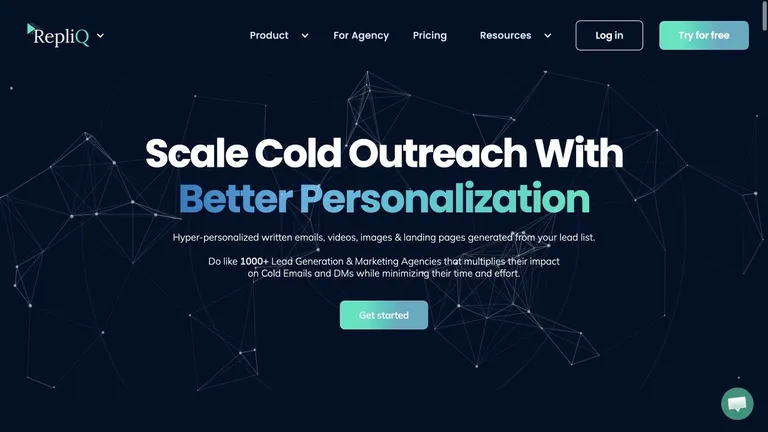
How RepliQ uses ScreenshotOne to generate website and profile screenshots and GIFs for personalized outbound videos.
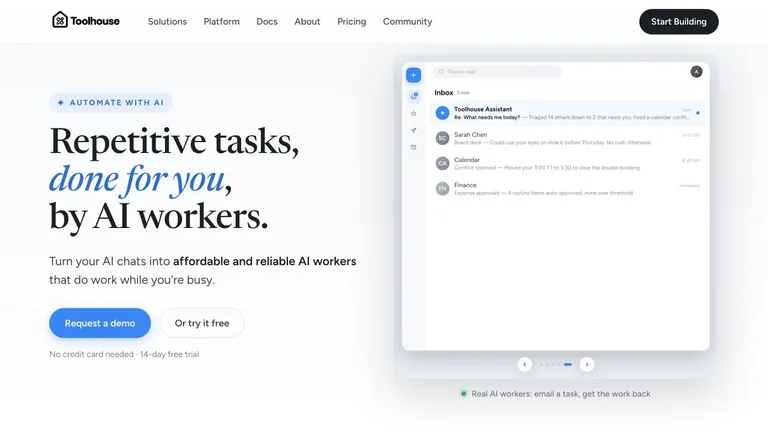
How Toolhouse uses ScreenshotOne to help autonomous AI workers capture and analyze web pages.

NanoClaw is the smaller, more opinionated, Claude-centric alternative to OpenClaw, while OpenClaw is the broader gateway platform with more channels, clients, nodes, and operational surface area.

Hermes Agent and OpenClaw overlap on messaging, memory, browser automation, scheduled tasks, and multi-agent workflows. The practical difference is that Hermes Agent is a self-improving agent runtime, while OpenClaw is a gateway-first assistant platform.

On the ScreenshotOne dashboard migration from API routes and Server Actions to oRPC for clearer boundaries, better typing, and a more maintainable codebase.

Fix the Playwright "Execution context was destroyed, most likely because of a navigation" error after click, form submit, redirect, reload, or page.evaluate.
Puppeteer removed page.waitForTimeout(). Learn why the error happens and which modern alternatives to use instead.

A practical guide to OpenClaw browser automation, why Playwright is the documented path, where Puppeteer fits, how to make screenshots, and when ScreenshotOne is the better choice for screenshot-only flows.
A short practical introduction to OpenClaw, what it is good at, and why it is useful if you want a proactive AI assistant that lives in your chat apps.
The official docs are now live, and they change the picture: NemoClaw is NVIDIA's OpenClaw plugin for OpenShell, adding sandboxing, policy controls, and routed inference for always-on AI assistants.
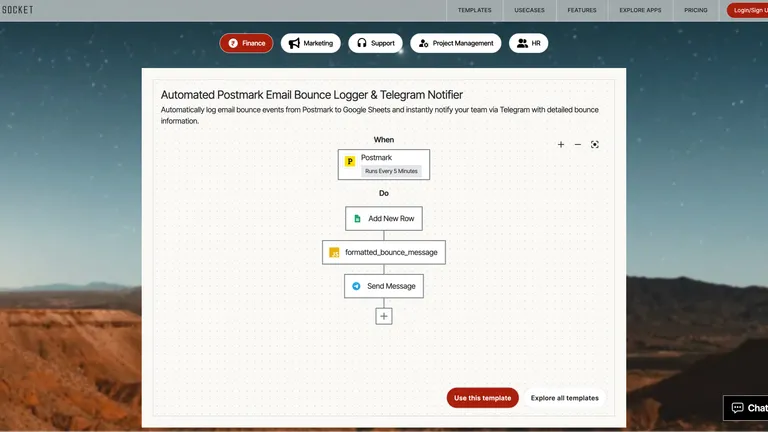
Use viaSocket with ScreenshotOne to build workflows that include website screenshot automation.
Exhaustive documentation, ready SDKs, no-code tools, and other automation to help you render website screenshots and outsource all the boring work related to that to us.