ScreenshotOne Changelog
New ScreenshotOne features, bug fixes, and rendering improvements.
Since 2022
November 2026 · 15 updates
Extract website Markdown with ScreenshotOne MCP
Give AI agents clean website Markdown directly through the ScreenshotOne MCP integration.
1 min read
Improved failed request detection
The fail_if_request_failed option now detects matching HTTP 4xx and 5xx responses in addition to browser-level network failures.
1 min read
Hosted ScreenshotOne MCP server is now available
Connect your AI agents to ScreenshotOne through the hosted MCP server with OAuth. No local server or copied API key is required.
1 min read
Change your billing email
Use a dedicated address for invoices and other billing emails without changing your sign-in email.
1 min read
Manage your password from dashboard settings
You can now set, change, or reset your password directly from the dashboard settings.
1 min read
Matched string in content failure responses
Responses triggered by fail_if_content_contains now identify the first visible string that matched.
1 min read
Chrome/Chromium upgraded to the latest version
ScreenshotOne now renders pages with the latest stable Chrome/Chromium release for up-to-date web platform support and rendering behavior.
1 min read
Better organization invitations
Organization invitations are now easier to notice and respond to in the dashboard.
1 min read
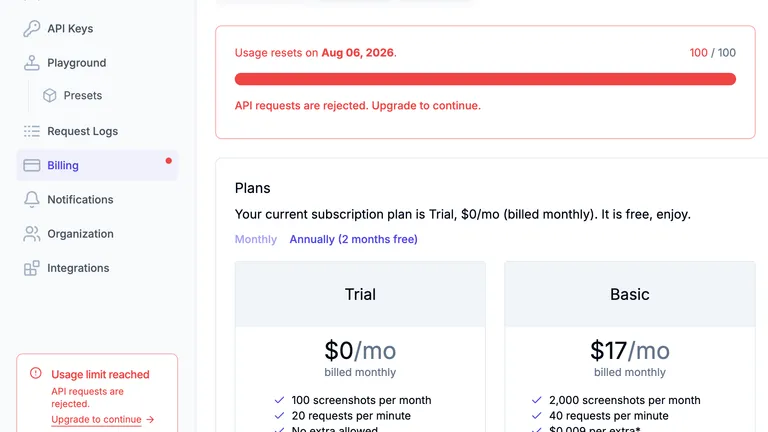
Clearer usage limits and upgrade actions
Clearer usage limits, more links to Billing, and easier plan comparison.
1 min read
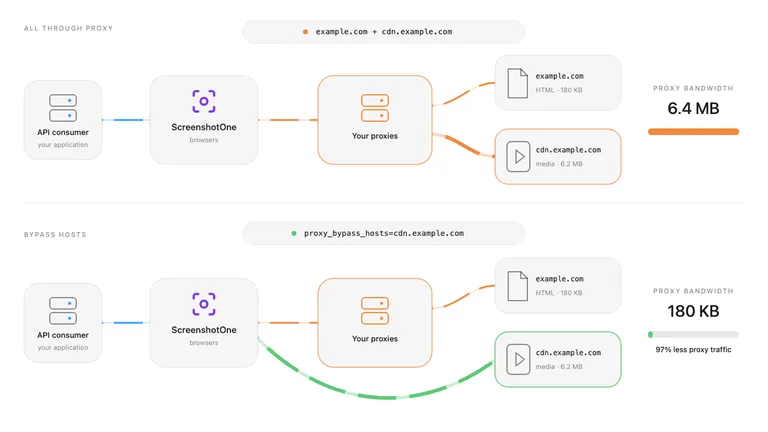
Reduce proxy bandwidth with host bypasses
Load selected hostnames directly with proxy_bypass_hosts to reduce custom proxy bandwidth usage.
1 min read
Improved ad blocking for video-heavy pages
Ad and tracker blocking is now applied more carefully on video-heavy pages where generic filters can interfere with media loading.
1 min read
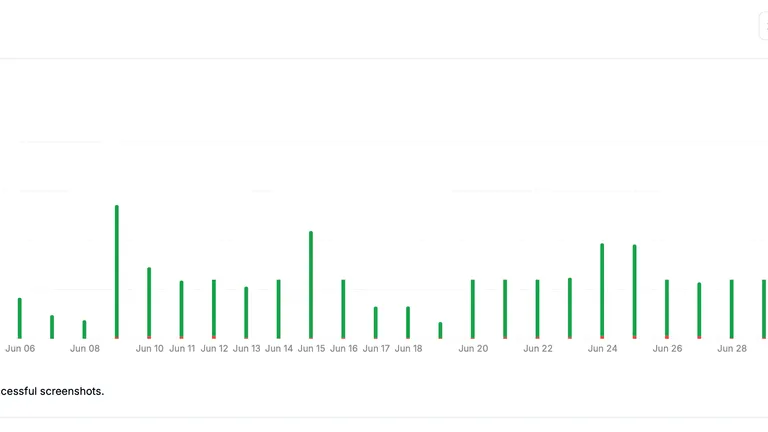
Faster dashboard metrics
Dashboard usage and error metrics now load faster as ScreenshotOne continues operating millions of screenshots every month.
1 min read
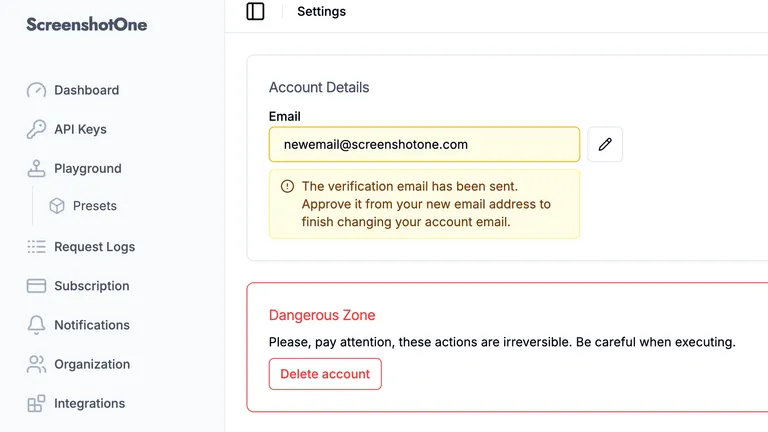
Improved email change experience
The dashboard now explains each step of the email change flow with clearer pending, success, and error messages.
1 min read
Better validation error messages
ScreenshotOne now returns better validation error messages and no longer exposes unnecessary validation details.
1 min read
DNS certificate authorization
We updated DNS certificate authorization records for ScreenshotOne to strengthen protection against unauthorized certificate issuance.
1 min read
Improved HTTP website rendering
ScreenshotOne now renders HTTP-only websites more reliably by avoiding browser HTTPS-upgrade redirect loops.
1 min read
Improved clip and full page validation
ScreenshotOne now rejects requests that combine clipping options with full page screenshots before rendering starts.
1 min read
Improved cache reliability
Cached screenshots, PDFs, and videos are now handled more reliably, with cache links returned only when the cached result is available.
1 min read
Delete organization invites
Organization owners and admins can now delete pending member invites from the dashboard.
1 min read
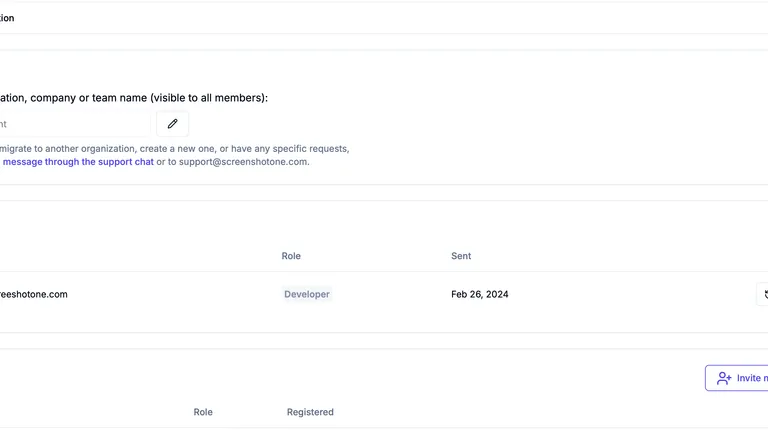
Resend organization invites
Organization owners and admins can now resend pending member invites from the dashboard.
1 min read
Automate website screenshots
Exhaustive documentation, ready SDKs, no-code tools, and other automation to help you render website screenshots and outsource all the boring work related to that to us.