What is a screenshot API?
A screenshot API is a service that turns a web page, HTML, Markdown, or another document into a screenshot, PDF, or video through an HTTP request. Instead of running Chrome, Puppeteer, Playwright, queues, storage, retries, and monitoring in your own infrastructure, you send a URL and rendering options to an API and get the generated file back.
Most screenshot APIs let you control viewport size, full-page capture, output format, wait conditions, headers, cookies, and storage. The better ones also help with cookie banners, ads, lazy-loaded content, retries, webhooks, proxies, caching, and SDKs.
Use a screenshot API when screenshots are part of a product or workflow: website previews, visual monitoring, archives, reports, Open Graph images, QA snapshots, AI agents, or automated content generation.
Only the 3 best screenshot APIs
If I listed all the possible screenshot APIs as I did in the past, it would only make your purchasing decision more complicated, so I simplified the process for you.
I searched on Google for the “screenshot API” keyword and evaluated only the top 3 results, assuming that Google already ranks the products people are most likely to consider the best.
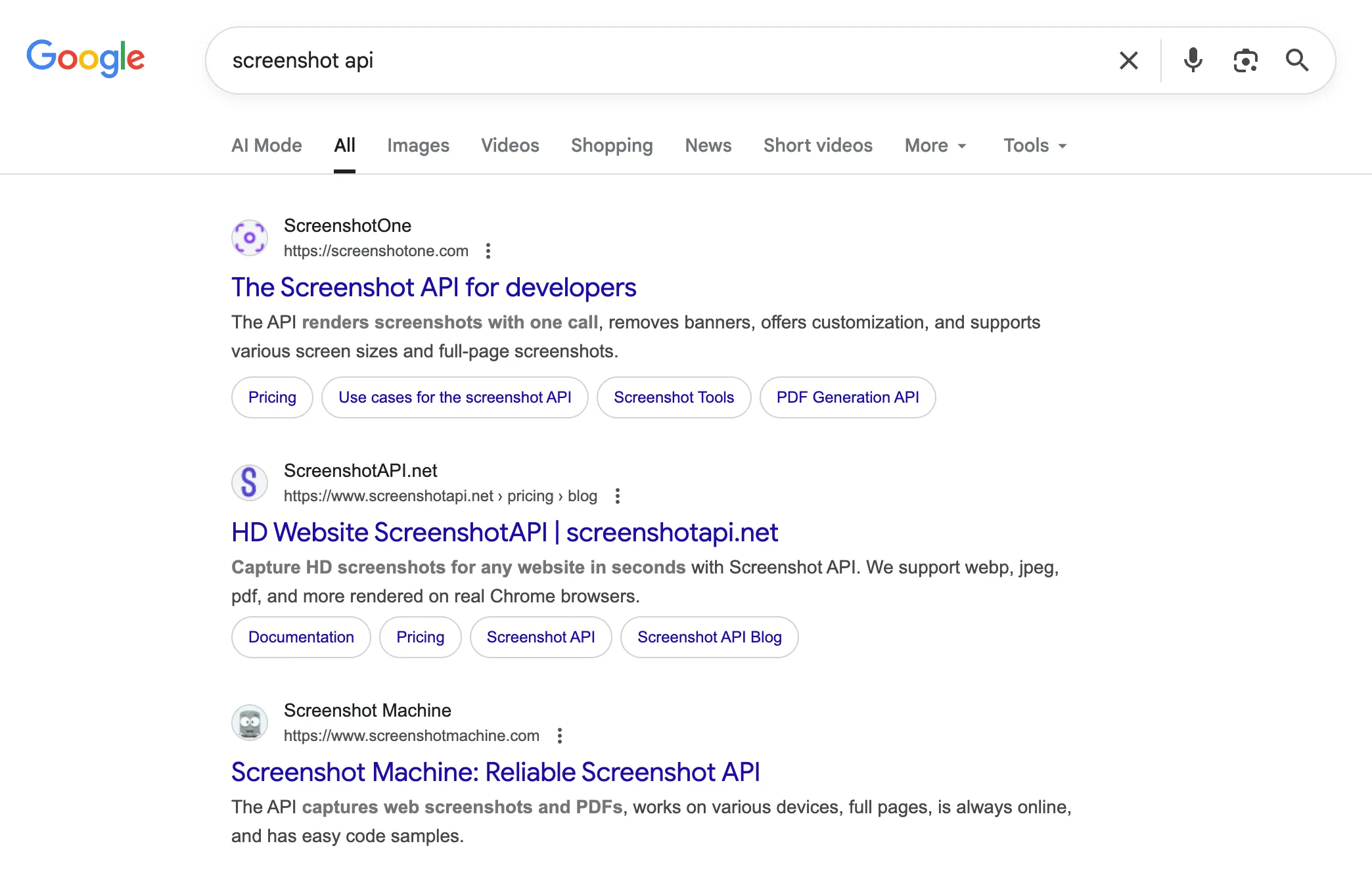
I encourage you to check them for yourself, because results might be a bit different for you.
At the moment of writing, the best screenshot APIs according to Google:
- ScreenshotOne.com—the screenshot API for developers
- ScreenshotAPI.net—programmatic screenshots in seconds
- Screenshot Machine—reliable screenshot API
While I try to keep the post as objective as possible, you need to be aware that I have an interest to promote ScreenshotOne and make it the best API possible. However, I reached out to the founders and developers of these APIs and shared the post with them and asked if they wanted to add or edit something.
If you run or know a screenshot API that isn’t included in the guide but it is a good candidate, please, reach out to support@screenshotone.com and I will consider adding an update. The goal is to reduce decision friction, not list all possible screenshot APIs.
But do you really need a screenshot API?
Don’t forget that while you have landed on the article to read about the best screenshot APIs, it might be that you don’t need a screenshot API at all.
Most of the time, you can start quickly rendering screenshots with Puppeteer or a similar solution for your language of choice (Python, Java, Ruby, Haskell, JavaScript or TypeScript, PHP).
It is the cheapest option, except you often need proper servers to render websites with headless browsers. You can check out our guide on how to build a screenshot API yourself.
But once you need to render screenshots at scale and you want to remove cookie banners, and glitches, and solve hundreds of other issues related to websites, you better go with any screenshot API and outsource that boring and often annoying work to the service that can do it for you at some fee.
I promised to keep this guide simple and help you make a quick decision. However, if you have time and want to explore the various reasons and considerations for choosing a screenshot API, check out why and how to choose a screenshot API.
What to compare before choosing a screenshot API
Before choosing a screenshot API, check whether it supports the rendering cases that usually become painful in production:
- Full-page screenshots with lazy-loaded content.
- Cookie banner, ad, tracker, and chat widget blocking.
- Custom viewport sizes, device scale factor, dark mode, headers, cookies, scripts, and styles.
- Async jobs, webhooks, retries, and predictable error responses.
- Output formats such as PNG, JPEG, WebP, PDF, GIF, or MP4.
- Storage, caching, signed URLs, and S3-compatible uploads.
- SDKs, documentation, support, uptime, and pricing that match your volume.
The best screenshot APIs
1. ScreenshotOne.com—the screenshot API for developers
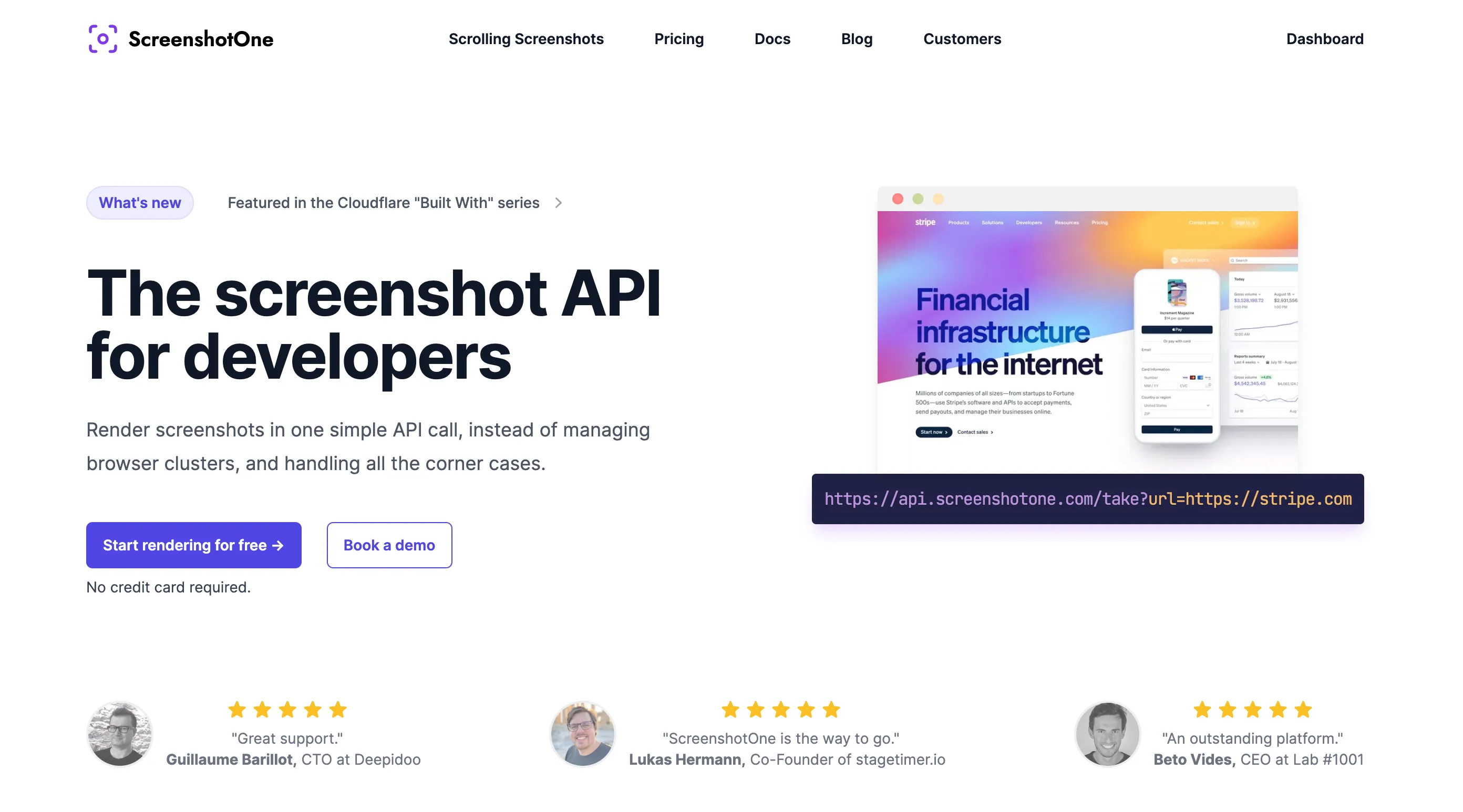
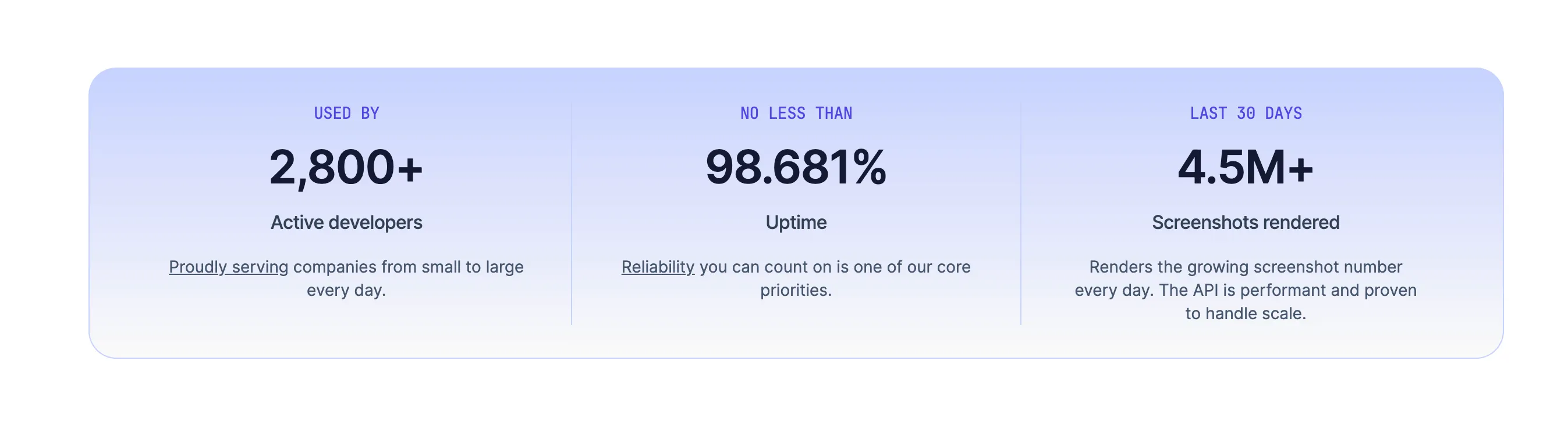
ScreenshotOne is one of the best solutions in the market, recently grew past 1000 active developers using it, rendering 1,000,000+ screenshots monthly and with high uptime for real screenshot renders.
I must be open in advance that I am a founder of ScreenshotOne, one of the best screenshot APIs according to my customers, and we do whatever we can to deliver an excellent screenshot automation experience. But no matter how much we would want everybody to become my customer, we understand that it is impossible and our API is not for everybody.
Of course, I am not objective when describing ScreenshotOne, but I can prove to you, that it is one of the best certainly.
While ScreenshotOne supports Zapier and other no-code automation tools (and not only), my sole focus is developers and my goal is to offload them from the boring job of dealing with all headless browser and screenshotting issues.

We want to free developers’ time for more interesting tasks and tasks related to their business core.
As a software engineer with 15+ years of experience, I understand developers’ needs well and try to close any issues or problems as fast as possible.
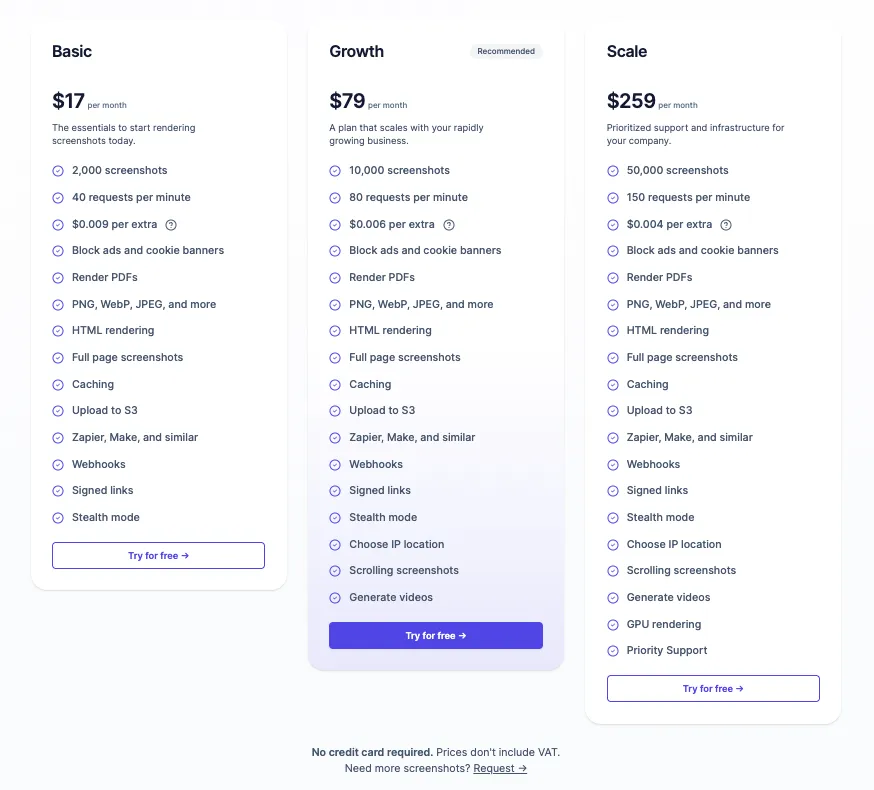
Think of using ScreenshotOne as hiring a skilled developer for only $20+ a month (depending on your needs) to close all the boring tasks and issues related to screenshot automation.
We have plans and strategies to grow the API further and proved that for the last 2 years. We carefully listen to our customer demands and try to solve all current and future problems that arise for them.
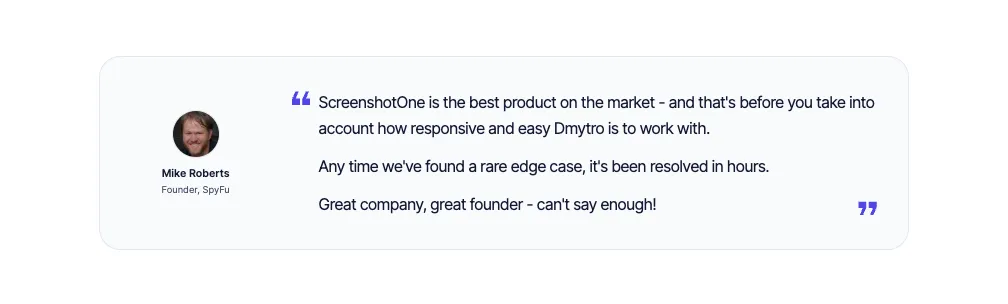
By the way, you also can try our API for free and see if it fits you.
What you get if you go with ScreenshotOne:
- Clean screenshots. We block cookie banners and other annoying pop-ups for you. You just get crisp screenshots that delight your customers.
- Full-page screenshots. Lazy loading images, different glitches, whatever—we got you covered.
- Videos with predefined scenarios like scrolling screenshots.
- GPU rendering if needed.
- Responsive support
- Native SDK for your language of choice.
- Caching on Cloudflare CDN for free, for up to 30 days!
- Upload screenshots to any S3-compatible storage.
- Proxies.
- Choose the IP location. Geolocation coordinates, and whatever.
- And more, I can continue forever.
And that’s only the small subset of benefits you can get if you go with ScreenshotOne.
A quick example of code for Node.js of you can render screenshots with ScreenshotOne:
// npm install screenshotone-api-sdk --save
import * as fs from "fs";import * as screenshotone from "screenshotone-api-sdk";
// create API clientconst client = new screenshotone.Client("<access key>", "<secret key>");
// set up optionsconst options = screenshotone.TakeOptions.url("https://example.com").delay(3).blockAds(true);
// generate URLconst url = client.generateTakeURL(options);console.log(url);// expected output: https://api.screenshotone.com/take?url=...
// or download the screenshotconst imageBlob = await client.take(options);const buffer = Buffer.from(await imageBlob.arrayBuffer());fs.writeFileSync("example.png", buffer);
// the screenshot is stored in the example.png fileThere are many more ways on how you can integrate with ScreenshotOne.
If you have any questions or concerns, we would be happy to answer them. Please, feel free to reach out at support@screenshotone.com or just schedule a demo call.
2. ScreenshotAPI.net—programmatic screenshots in seconds
For a long time, this API was in the first position of Google and it fully deserves it still, but we don’t have control over Google and they decide what to rank due to the ranking factors.
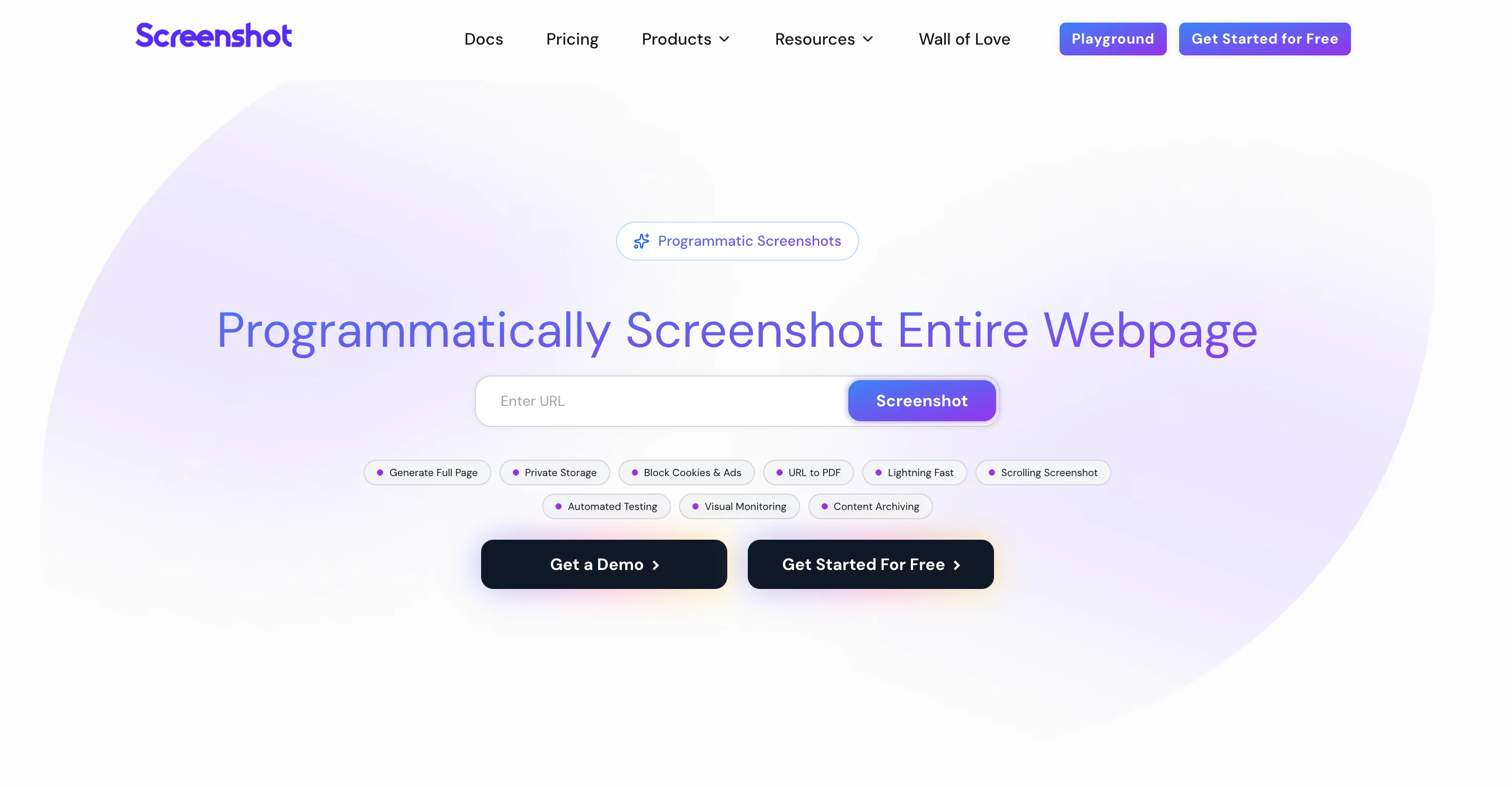
ScreenshotAPI.net was a part of the XO Capital company. According to their blog, they bought the product a few years ago and did a great job of improving and growing it, then they sold it again. Running screenshot APIs is not easy. And now it again has a new founder behind it.
I just checked out their product and they keep improving it. They added the scrolling screenshots feature recently, for example. While ScreenshotOne had scrolling screenshots for a few years.
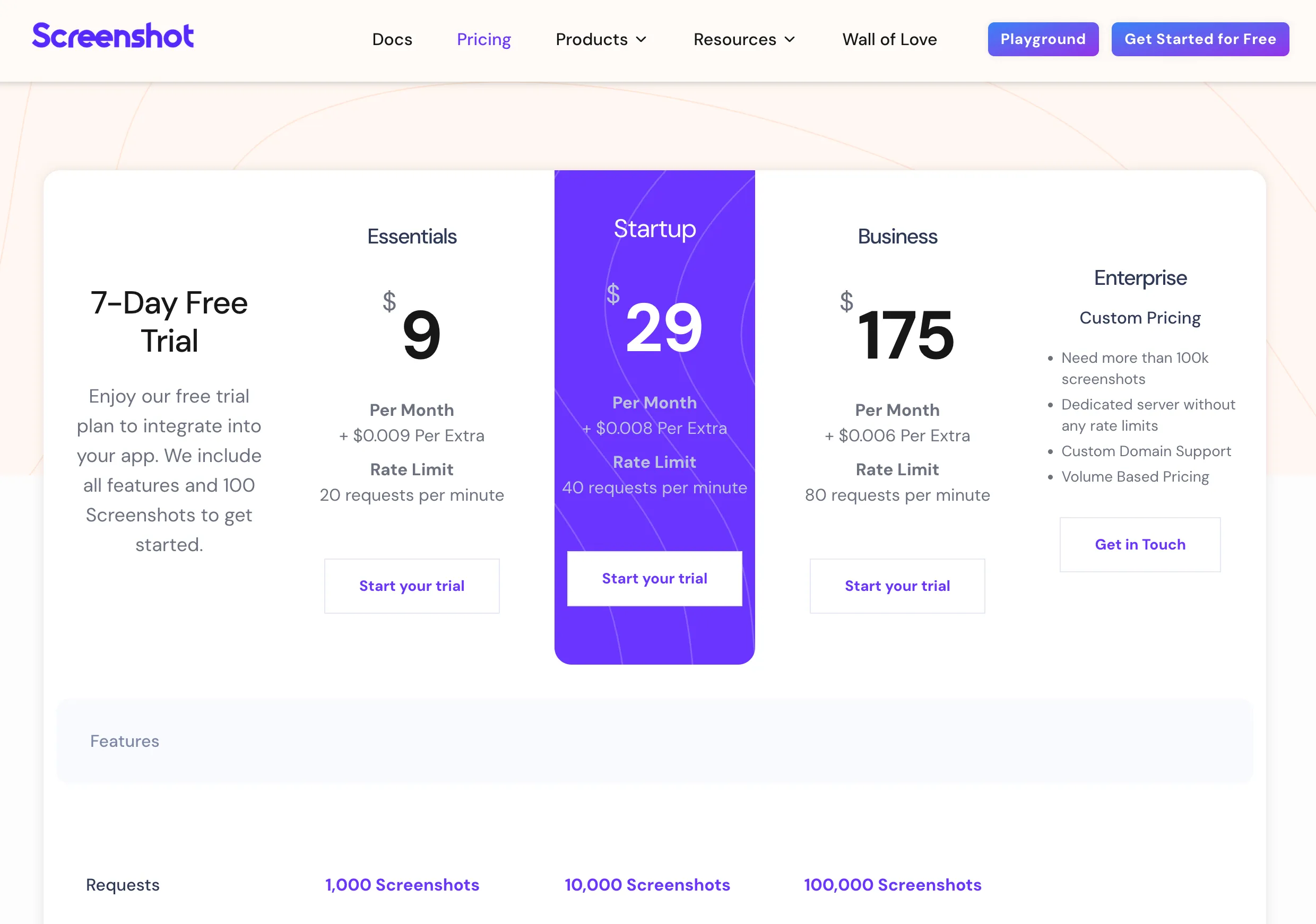
It seems to be much more feature rich than Screenshot Machine, but a bit pricier. But still their cheapest plan is only $9 monthly and if that is really important for you, it might be the best option to start:
The main difference between ScreenshotOne and ScreenshotAPI.net is that the former is focused on building only the API, but the new owners of ScreenshotAPI.net dedicate their time to other products, too.
The screenshot API is not a product that must be constantly developed with new features, but when choosing the API I want to rely on, I would consider that factor, too—whether the owners of the API are focused and dedicate their full attention or not.
ScreenshotAPI.net doesn’t have an official SDK, but they support the HTTP protocol, so it is easy:
// npm install node-fetch
import fetch from "node-fetch";import { writeFile } from "fs/promises";
async function captureScreenshot(token, url, options = "") { const response = await fetch( `https://shot.screenshotapi.net/screenshot?token=${token}&url=${url}&${options}` ); const buffer = await response.buffer(); await writeFile("screenshot.png", buffer);}
const TOKEN = "YOUR_TOKEN_HERE";const URL = "https://example.com";
captureScreenshot(TOKEN, URL);All in all, it is a good product, and I would give it a try.
3. Screenshot Machine—reliable screenshot API
Screenshot Machine is a screenshot API that is founded in 2012. However, it is hard to find reviews of it on the Internet. It seems to have a simple API and is focused on the screenshot and PDF rendering only.
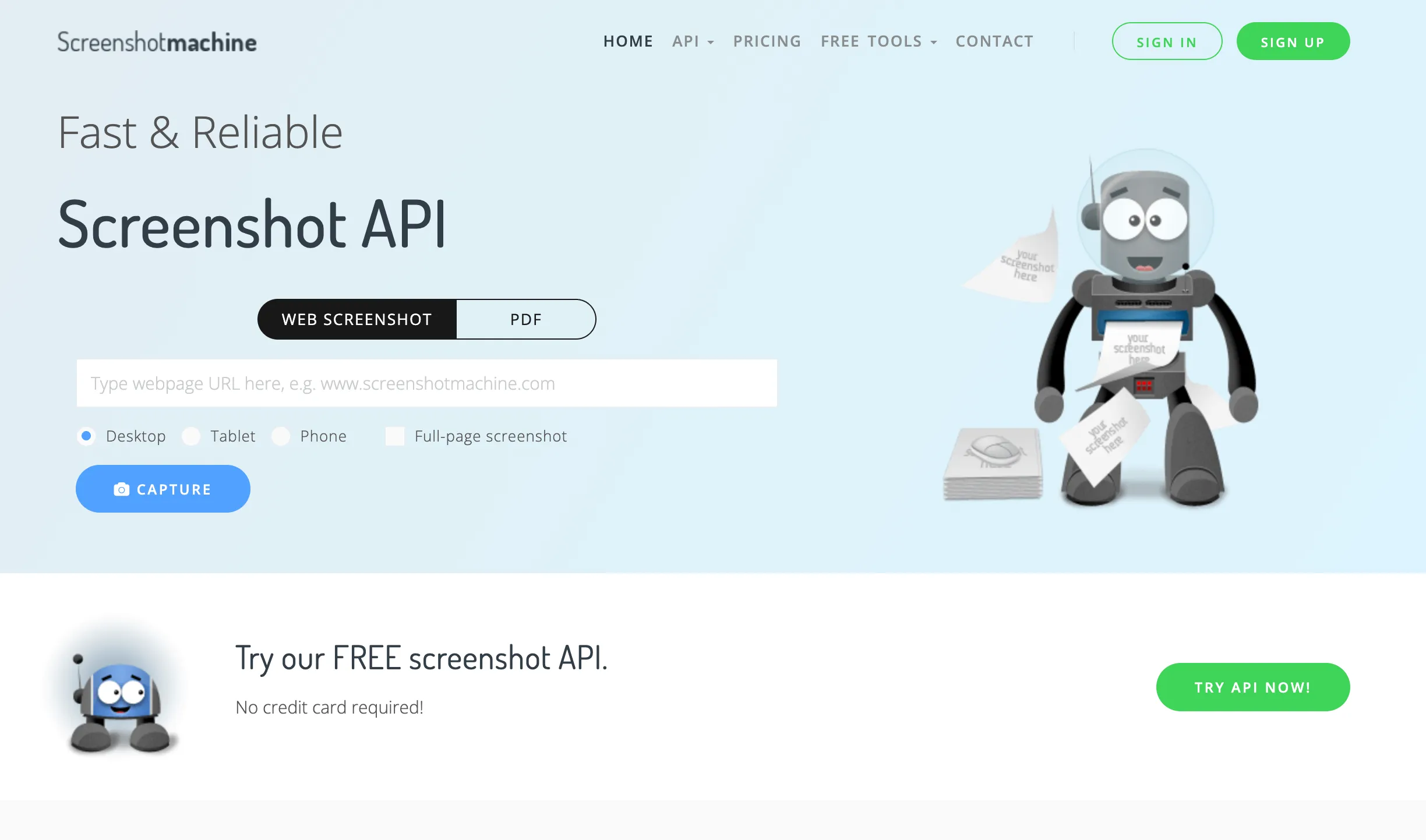
With a few only options according to their documentation, you can consider it as simple and affordable solution for your screenshot needs:
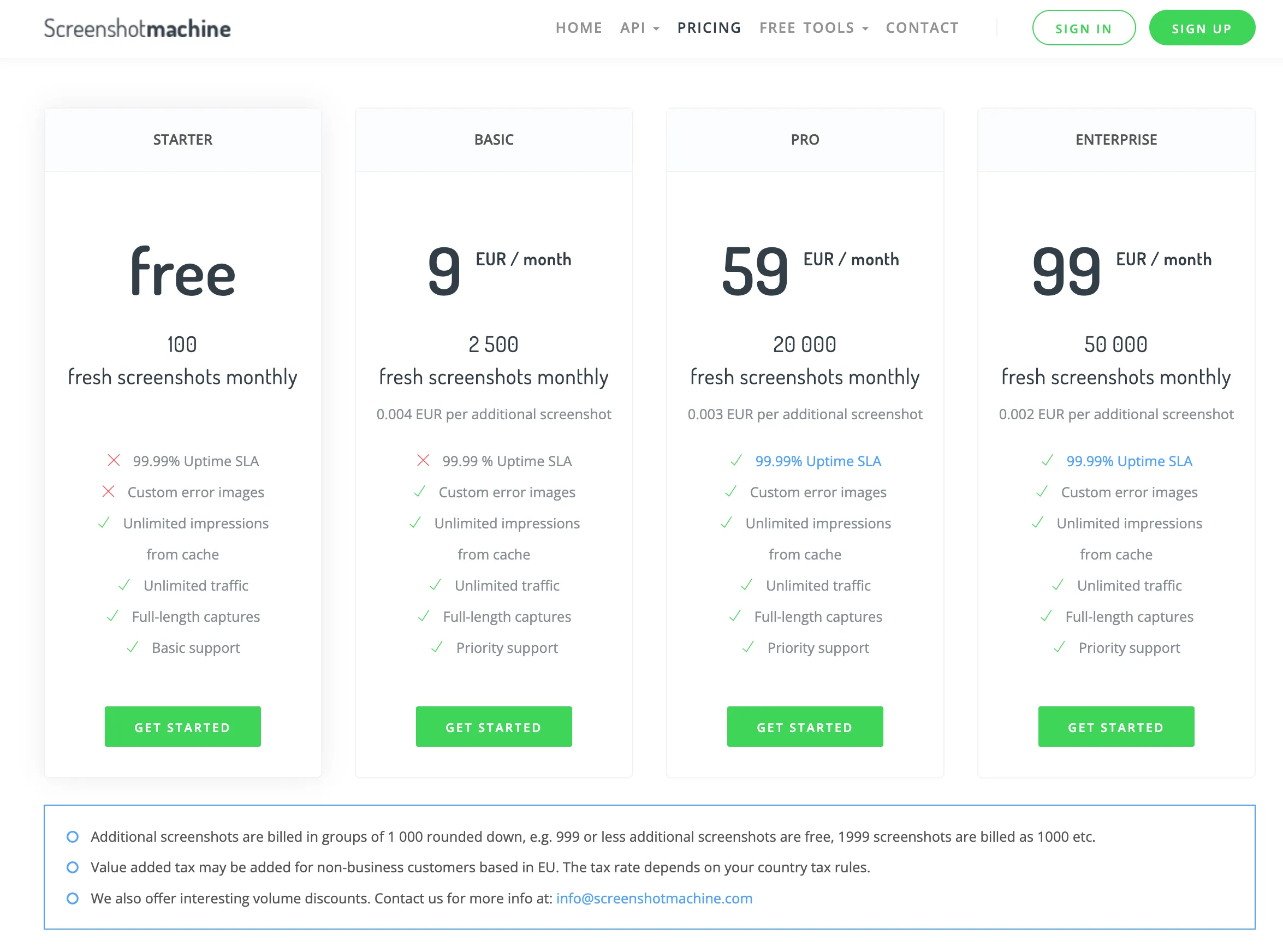
They only charge around $9 per month for 2,000+ screenshots, compared to about $20 for ScreenshotOne or ScreenshotAPI, which provide 1,000 screenshots for $9 per month.
Summary
Today, ScreenshotOne and ScreenshotAPI are the best solutions in the market for screenshot automation both striving for excellence and keeping up daily with rising customer demands.
If you are a developer or small to medium and more focused on marketing tasks and want to generate different animated videos for outreach or engaging content, I would give you a chance to ScreenshotOne since it has more capabilities in this niche.
Otherwise, consider ScreenshotOne and ScreenshotAPI equal but different in the pricing structure. Choose whatever suits you best.
Screenshot Machine is also a good choice if you need it. It is much cheaper to start with, has good reviews, and is almost on par with the best solutions by features in the screenshot API niche.
Frequently Asked Questions
If you read the article, but still have questions. Please, check the most frequently asked. And if you still have questions, feel free reach out at support@screenshotone.com.
What is a screenshot API?
A screenshot API is an HTTP service that renders a URL, HTML, or another document into an image, PDF, or video. You send a request with rendering options, and the API returns the generated file or a URL to it.
How does a screenshot API work?
Most screenshot APIs run managed browsers such as Chrome or Chromium, load the target page, apply options like viewport size or full-page capture, wait for the page to be ready, and return the rendered screenshot.
When and why use a screenshot API?
Use a screenshot API when screenshots are part of a production workflow and you do not want to manage browser infrastructure, retries, queues, storage, proxies, or rendering edge cases yourself.
Who can benefit from screenshot APIs?
Screenshot APIs are designed for developers who want to automate taking screenshots, as well as website owners who need to track user interactions or add screenshot capabilities to their apps.
Should I use a screenshot API instead of Puppeteer or Playwright?
Use Puppeteer or Playwright for local scripts, tests, and custom browser automation. Use a screenshot API when you need reliability at scale, managed browsers, clean screenshots, webhooks, storage, and support.
Which screenshot API is the best?
The best screenshot API depends on your needs for functionality and budget. The list above is a helpful starting point. Consider ScreenshotOne as a potential option.