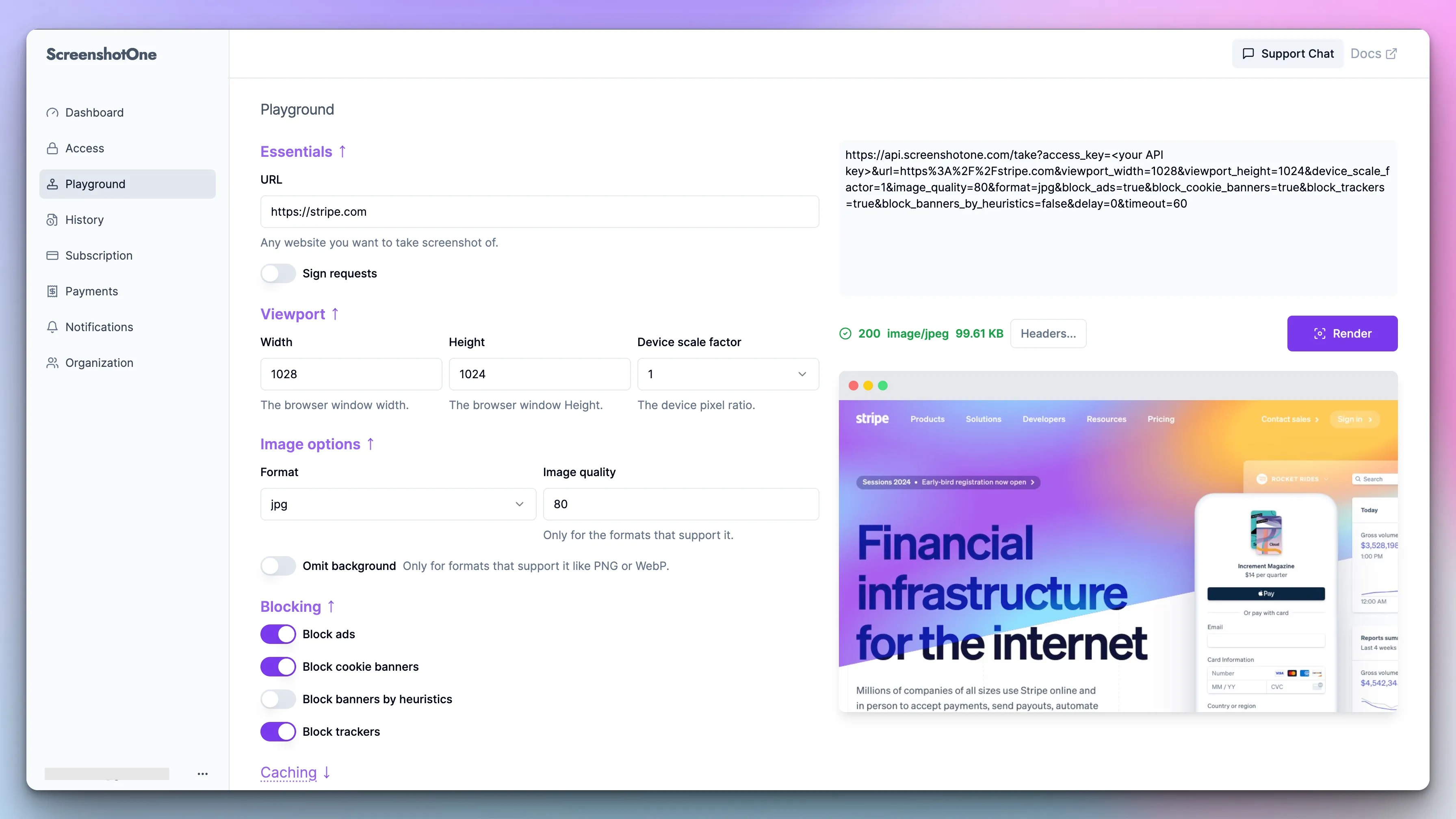
The new ScreenshotOne dashboard is out

It is a long-term move and rebuilding the ScreenshotOne dashboard was a decision to continue improving customer experience. The previous version of the dashboard was outdated and didn't serve new arising customer needs well.

Changelog 1 min read

Written by

Dmytro Krasun

Published on

The new dashboard

The previous dashboard was written quickly by using Go, HTML/CSS, and pure JavaScript. And there is absolutely nothing wrong with that. And it worked well and fast. Customers were satisfied.

But their needs were growing—some asked for more filters on the history page, some wanted to set the hard limit for screenshot quota, and so on. All these requests often required changing UI and building interactive interfaces, sometimes complex, like in the case of updating the playground.

The stack of technologies just didn’t satisfy the needs and often required more work than reasonable to accomplish building new features or improving existing ones.

So there was a rising demand to improve the technology stack and since it is a long-term project it seemed to be a worthwhile bet.

Also, the UI needed to be upgraded and improved. Using the latest UI libraries could help a lot in that.

So the decision was made, and the dashboard was rewritten. Currently, everything is preserved as in the old dashboard and they are almost identical, but soon the new one will be improved by a lot. And I hope you will enjoy the new experience.


Read more product updates

New features, bug fixes, and optimizations...

View all product updates
Get favicon used by a website with ScreenshotOne API

Get favicon used by a website with ScreenshotOne API

Now you can get favicon used by a website with ScreenshotOne API in just one simple API call.

Read more

1 min read

Added a URL to Markdown Tool

Added a URL to Markdown Tool

A new free ScreenshotOne tool to convert any public webpage URL into Markdown.

Read more

1 min read

Control scrolling into view when taking screenshots by selector

Control scrolling into view when taking screenshots by selector

You can now control scrolling into view when taking screenshots by selector. It allows render more accurate screenshots.

Read more

1 min read

Automate website screenshots

Exhaustive documentation, ready SDKs, no-code tools, and other automation to help you render website screenshots and outsource all the boring work related to that to us.