New free tools: curl converters, HTML to Image, and dark mode screenshots

Convert curl commands to code, render HTML and CSS to images, and check how a website looks in dark mode, for free and without registration.

Changelog1 min read

Written by

Dmytro Krasun

Published on

We have added new free tools. They work in the browser without registration:

  • curl converter. Paste a curl command and convert it to code. There are also dedicated converters for Python, JavaScript, Axios, PHP, and JSON, and in the other direction from JSON, raw HTTP requests, and URLs to curl.
  • HTML to Image. Paste HTML and CSS, choose the image size and format (PNG, JPG, or WebP), then render and download the result. There are examples for social cards, receipts, and images with a transparent background.
  • Dark mode website screenshot. Render any website with the dark color scheme preference enabled to see how it looks for visitors who use dark mode, and compare it with the light version.

All tools are listed on the tools page. Let us know what other tools you want to see at support@screenshotone.com.

Read more product updates

New features, bug fixes, and optimizations...

View all product updates
Screenshot URLs are now available in the response

Screenshot URLs are now available in the response

You can now get a screenshot URL in the response of the API call.

Read more

1 min read

Export request logs as CSV

Export request logs as CSV

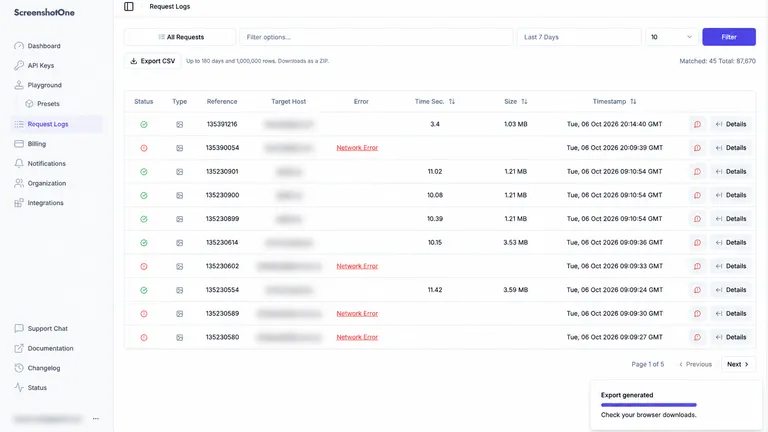
Download filtered request logs as a zipped CSV for analysis, debugging, and reports.

Read more

1 min read

Async, Webhooks, and Extra Limits

Async, Webhooks, and Extra Limits

May was a great month and full of new and exciting updates. Let's check them out quickly.

Read more

1 min read

Automate website screenshots

Exhaustive documentation, ready SDKs, no-code tools, and other automation to help you render website screenshots and outsource all the boring work related to that to us.