There are hundreds of scraping APIs out there. Some are good, some are bad.
But there is no need to spend a ton of time searching and evaluating all these options. Here are five options to evaluate in 2026:
Try a few options, and if one has pricing and quality that fit you, go with it.
I founded ScreenshotOne, so keep that in mind when reading this list.
5 best scraping APIs
1. ScreenshotOne
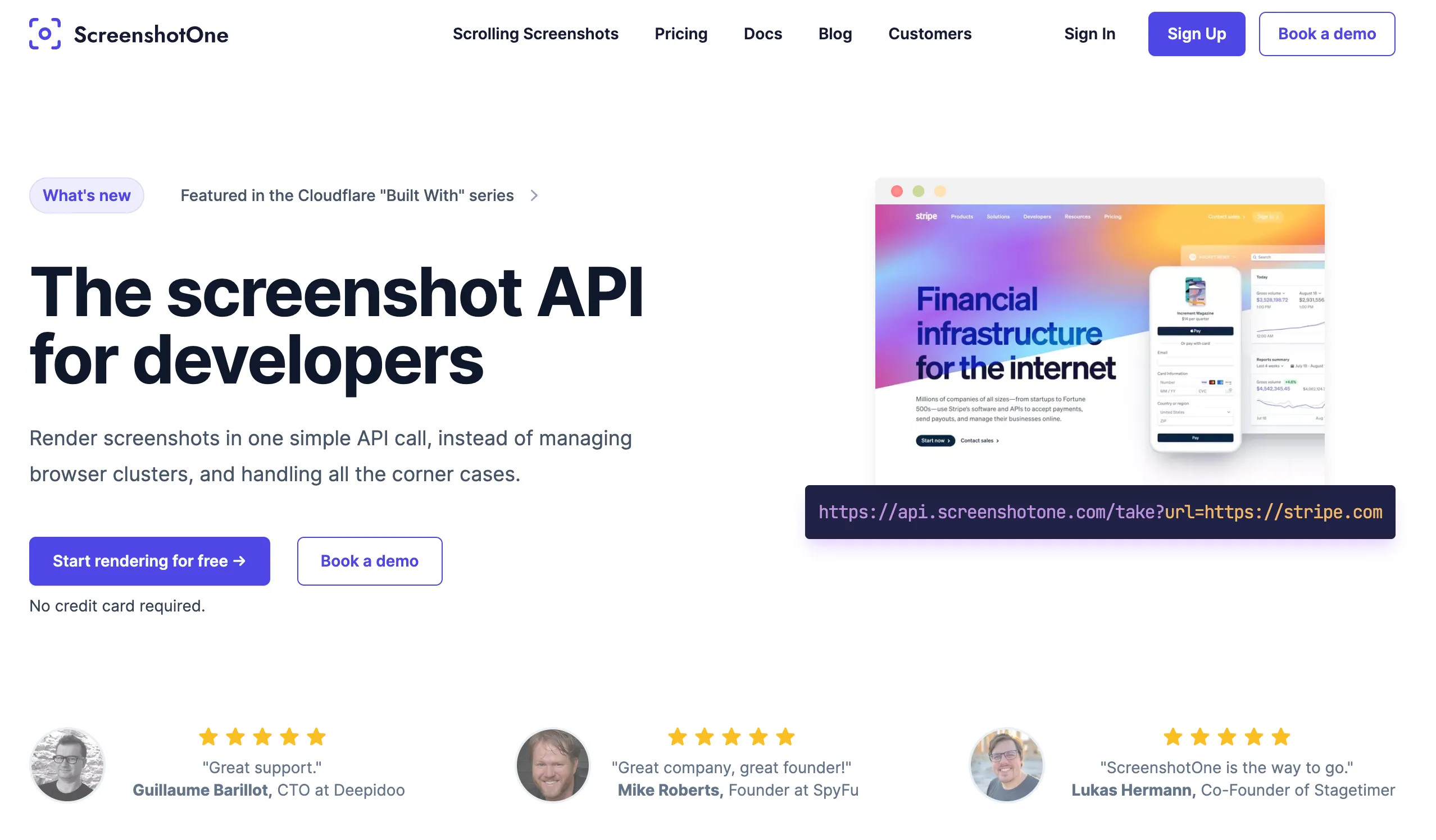
ScreenshotOne is not a scraping API. But it has a set of options that make it a decent scraping solution for basic needs. Specify format=html and you get the HTML of the page after JavaScript has run:
https://api.screenshotone.com/take?access_key=<your access key>&url=https://example.com&format=htmlFor readable page text, use format=markdown:
https://api.screenshotone.com/take?access_key=<your access key>&url=https://example.com&format=markdownSince the API is optimized for rendering screenshots, you can also get a screenshot and the page content from the same render. Add metadata_content=true and request a JSON response:
https://api.screenshotone.com/take?access_key=<your access key>&url=https://example.com&response_type=json&metadata_content=trueThe JSON response includes a temporary URL of the page HTML in content.url. Add metadata_content_format=markdown to get Markdown instead. The combined screenshot and Markdown examples show how to download both results.
For practical extraction workflows, see scraping JavaScript-rendered websites with Python, Node.js and Cheerio scraping, and converting a website to Markdown.
ScreenshotOne includes basic stealth abilities in every plan. But it is optimized for screenshots, not for scraping heavily protected sites.
2. Web Unlocker by Bright Data
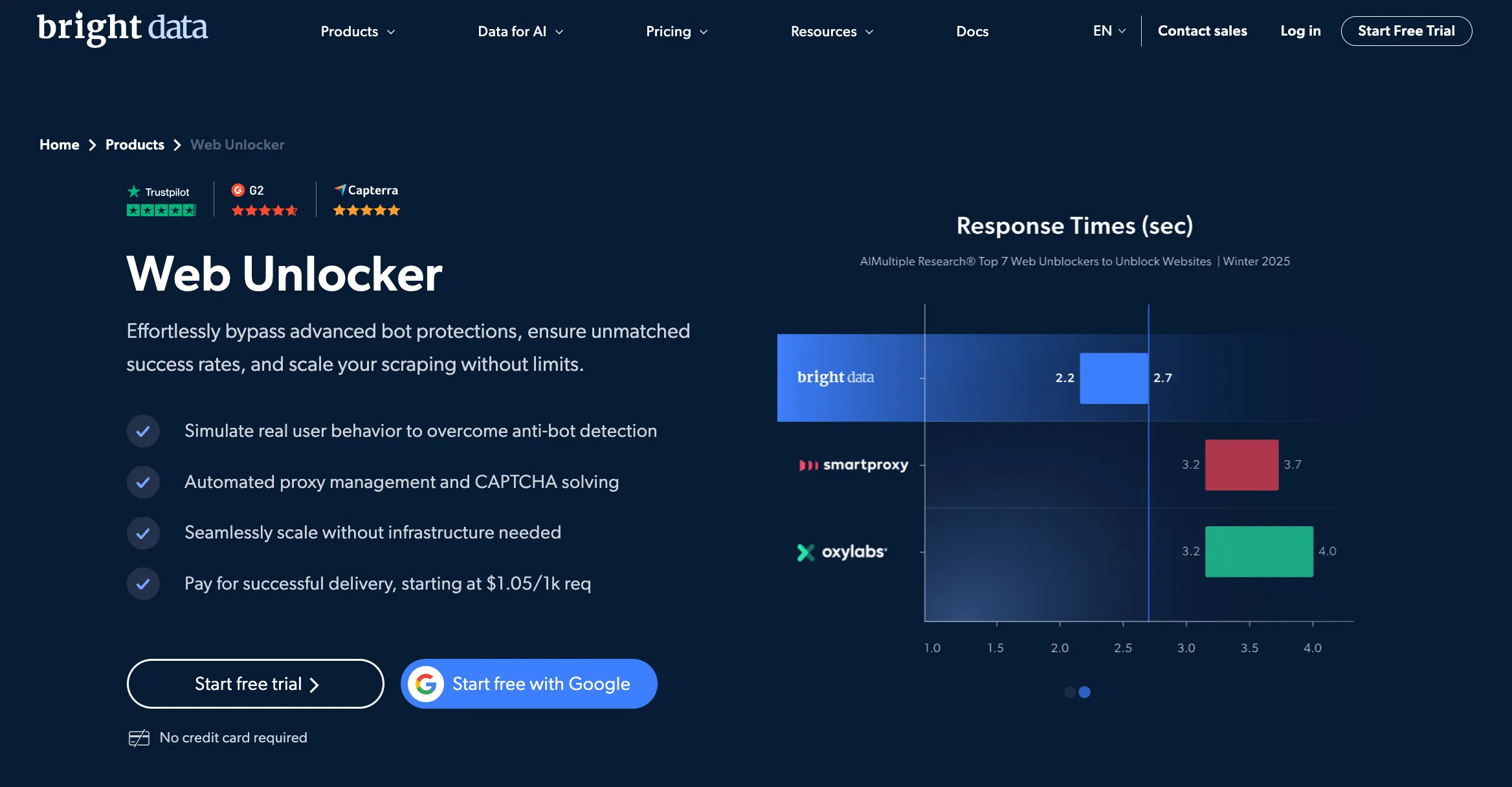
Bright Data Web Unlocker is a simple API endpoint that returns rendered HTML after JavaScript, bypassing anti-bot protections. It can also return Markdown and screenshots.
It has pay-as-you-go pricing, and you pay only for successful requests.
It is as simple to use as:
curl -H "Content-Type: application/json" -H "Authorization: Bearer [INSERT_YOUR_API_TOKEN]" -d '{"zone": "[INSERT_YOUR_WEB_UNLOCKER_ZONE_NAME]","url": "[INSERT_YOUR_TARGET_URL]", "format": "raw"}' https://api.brightdata.com/requestCheck out more details in the Web Unlocker documentation.
3. WebCrawlerAPI
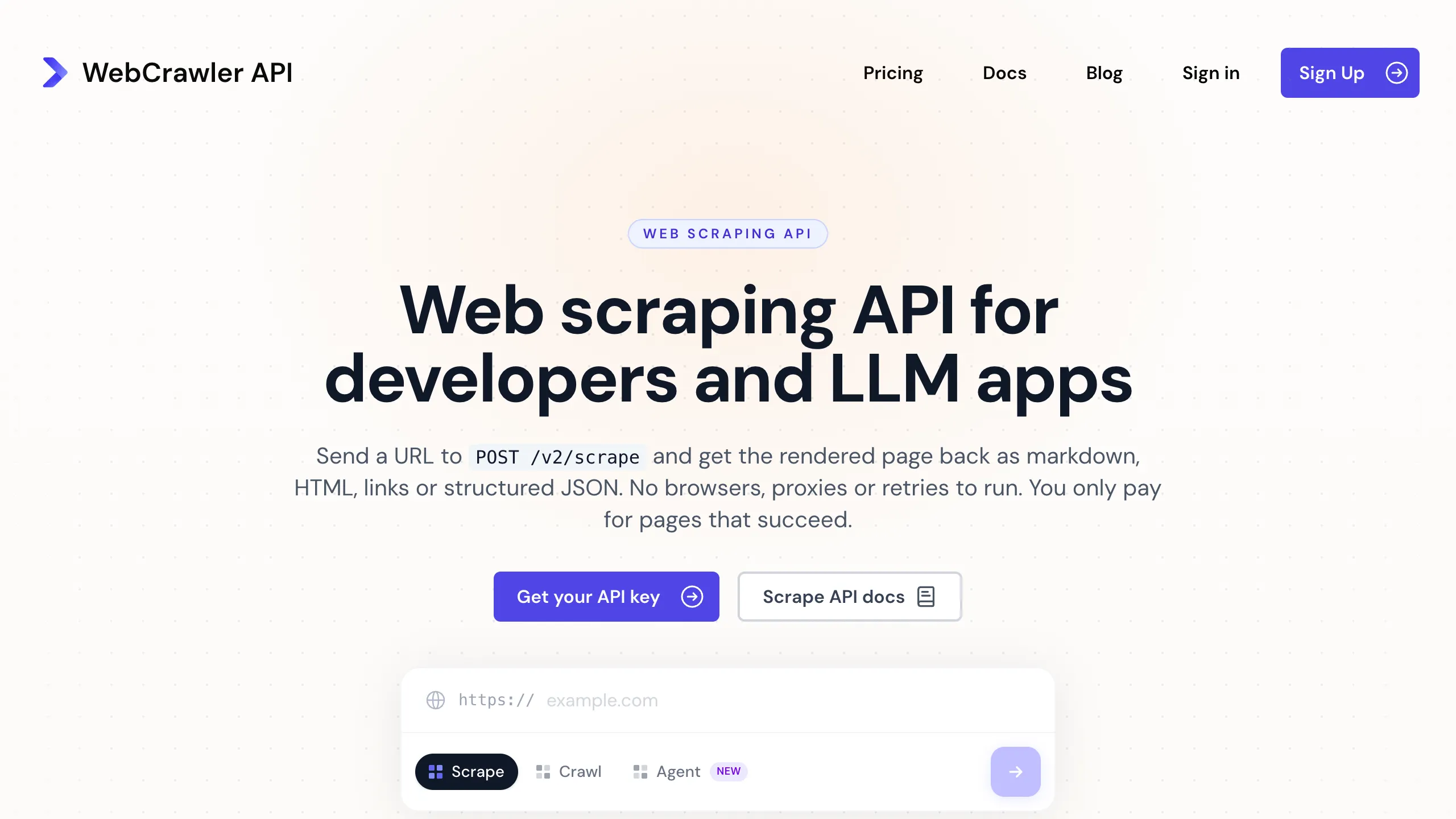
WebCrawlerAPI is a scraping API that returns pages as clean Markdown, HTML or structured data. It renders JavaScript and handles anti-bot protection, so you send a URL and get the content back in the same response.
One request, no polling:
curl --request POST \ --url https://api.webcrawlerapi.com/v2/scrape \ --header 'Authorization: Bearer <YOUR API KEY>' \ --data '{ "url": "https://example.com", "output_formats": ["markdown"]}'If you only want the article text or a blog post without the page around it, use the /markdown endpoint. It strips out everything an LLM doesn’t need: menus, footers, banners and other junk. If you need structured data instead of text, describe a schema and you get JSON.
There are SDKs for Python, JS/TS, PHP and .NET, plus an MCP server and an n8n node. More on the scraping API page.
4. ScrapingBee
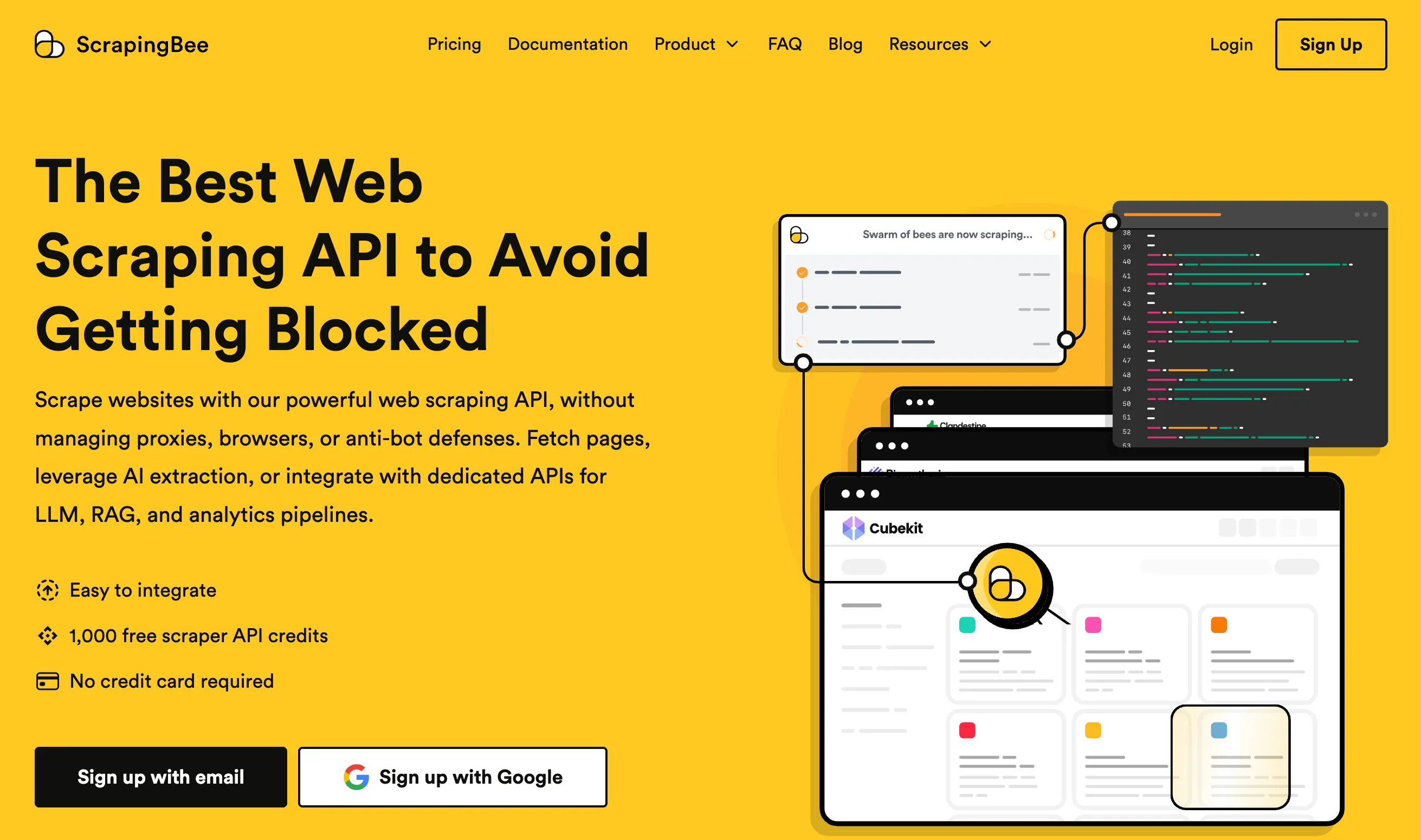
ScrapingBee is a general-purpose scraping API with JavaScript rendering, classic, premium, and stealth proxies, and specialized scrapers for sites like Google and Amazon.
A single endpoint returns HTML by default. Parameters switch the output to Markdown (return_page_markdown=true), plain text (return_page_text=true), or a screenshot (screenshot=true). You can also extract data with CSS or XPath rules, or describe the data in plain English with AI extraction.
curl --get "https://app.scrapingbee.com/api/v1/" \ --header "Authorization: Bearer YOUR_API_KEY" \ --data-urlencode "url=https://example.com" \ --data-urlencode "return_page_markdown=true"Its plans count credits, and the cost per request depends on the proxy: 5 credits with JavaScript rendering on classic proxies, 25 with premium proxies, and 75 with stealth proxies. Check their documentation for details.
If screenshots matter to you, see the ScreenshotOne and ScrapingBee comparison.
5. ScrapingDog
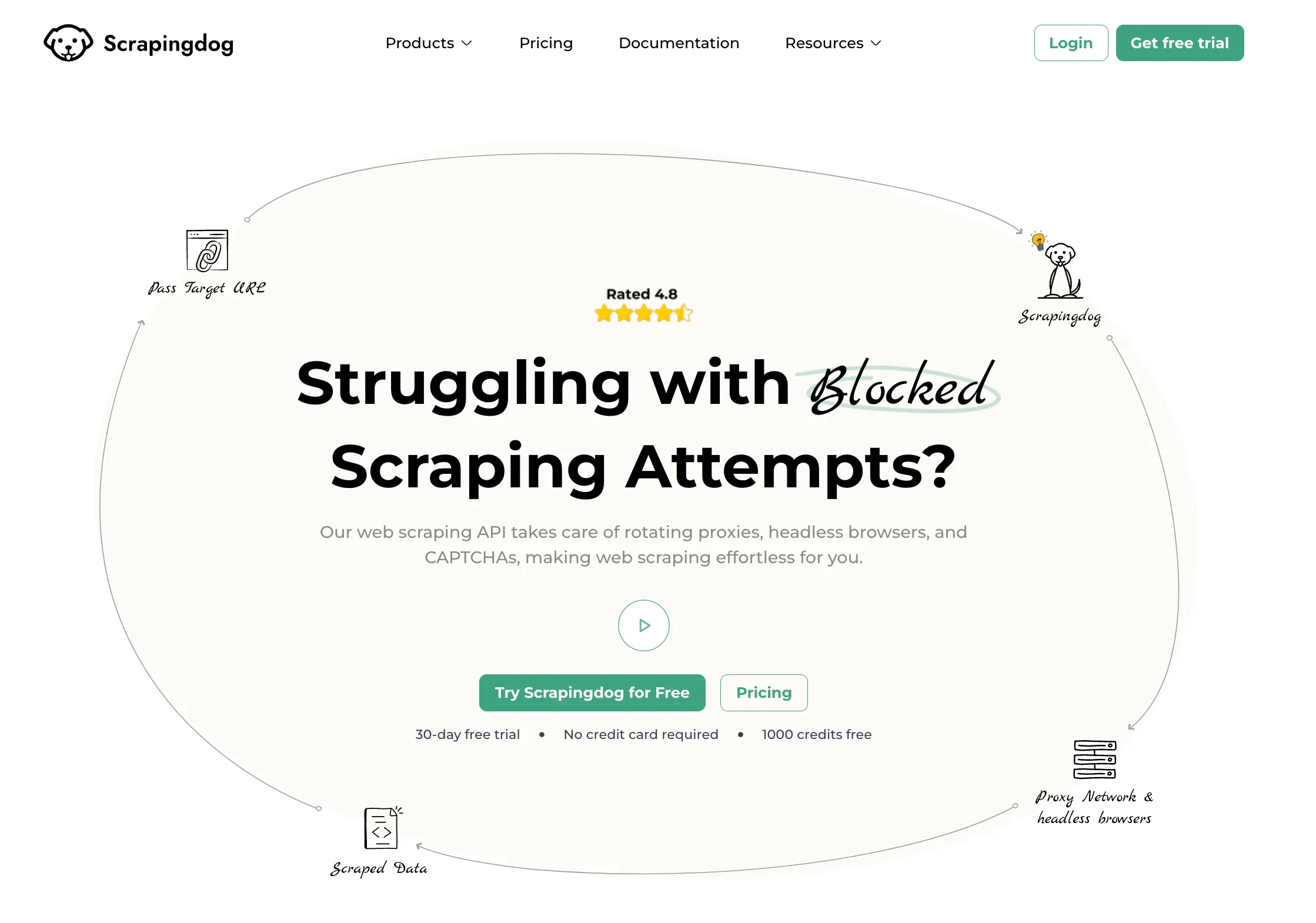
ScrapingDog is a scraping API with a general web scraping endpoint and an AI parser add-on that extracts data without selectors.
The benefit of a specialized scraping API over more generic solutions is that it covers special use cases with dedicated scrapers. You can check them out in their documentation.
Summary
If you have basic scraping needs and scrape ethically and legally, you can use ScreenshotOne if it works for your cases. You also get perfect screenshots and Markdown from the same API.
If you have more sophisticated scraping needs, check out the other options that might fit better.