If you are looking for a ScrapingBee alternative for website screenshots, try ScreenshotOne. It focuses on the rendered result: full-page capture, banner removal, output formats, Markdown, and delivery.
ScrapingBee also takes screenshots. It is a good fit when you need an image alongside extracted data or other scraping results.
I founded ScreenshotOne, so I have an interest in this comparison. The pricing uses published plans, and the quality checklist gives you things to test on your own URLs.
What each API is designed for
ScreenshotOne renders websites: screenshots, PDFs, scrolling videos, and Markdown. You send a URL or HTML with rendering options and get the output you requested.
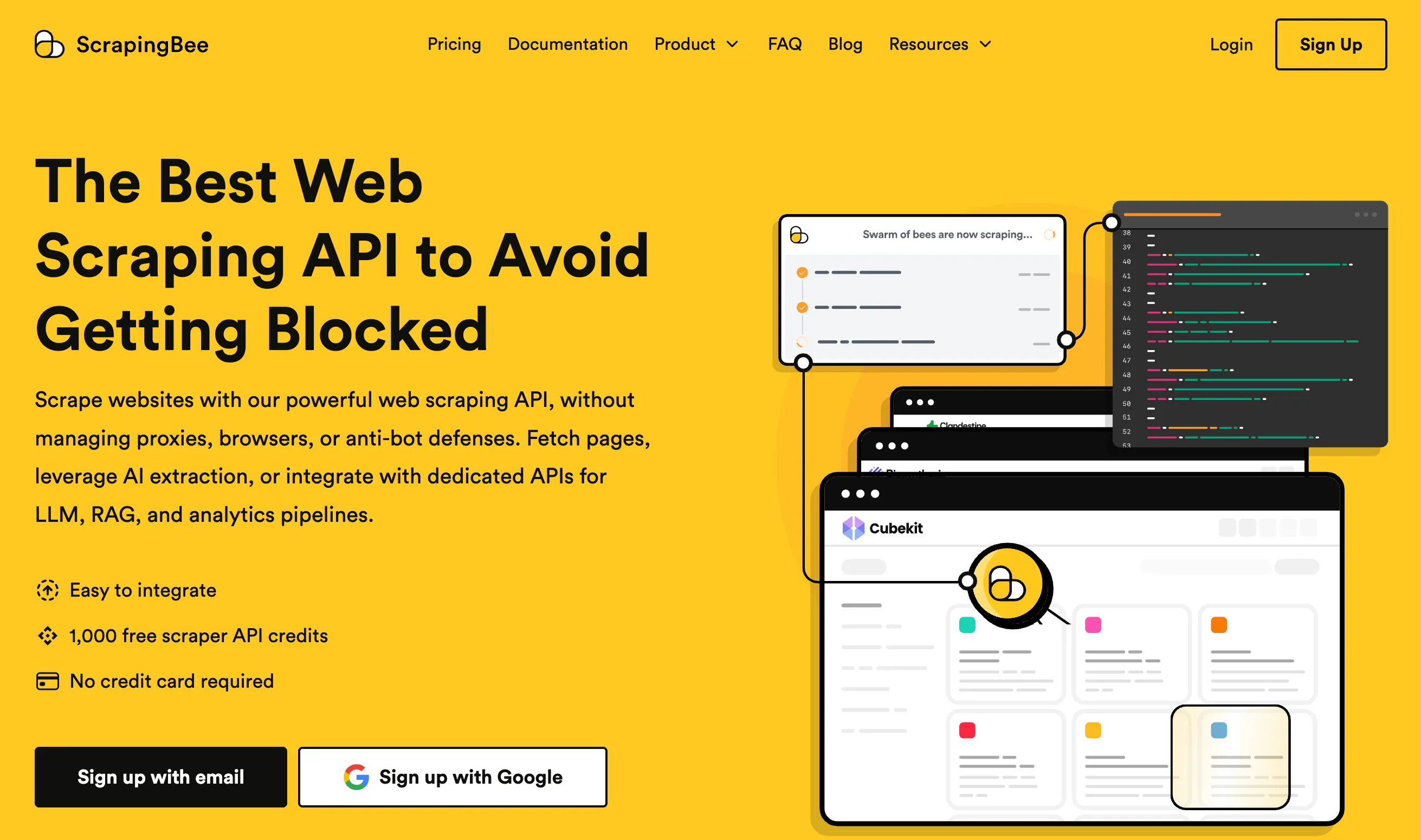
ScrapingBee is a broader scraping API with JavaScript rendering, proxies, extraction rules, and specialized scraper endpoints. Screenshots are one of its outputs.
| Requirement | ScreenshotOne | ScrapingBee |
|---|---|---|
| Full-page screenshot | full_page=true | screenshot_full_page=true |
| Capture an element | selector | screenshot_selector |
| Set the viewport | viewport_width, viewport_height | window_width, window_height |
| Wait for content | Load events, selectors, delays, scripts | Browser events, selectors, delays, JavaScript scenarios |
| Remove overlays and ads | Cookie banners, chat widgets, ads | Ad blocking and custom page interactions |
| Image formats | PNG, JPEG, WebP, and more | PNG |
| Page as Markdown | format=markdown | return_page_markdown=true |
| Store the result | Caching and S3-compatible uploads | Handle storage in your workflow |
| Extract structured data | Rendered HTML and metadata | CSS/XPath rules, AI extraction, scraper APIs |
This is not an exhaustive feature list. See the ScreenshotOne options and the ScrapingBee API documentation.
Pricing
Prices were checked on October 5, 2026, using monthly billing in US dollars before taxes.
| Plan | Monthly price | Included | Screenshots at full usage | Price per screenshot |
|---|---|---|---|---|
| ScreenshotOne Basic | $17 | 2,000 screenshots | 2,000 | $0.0085 |
| ScreenshotOne Growth | $79 | 10,000 screenshots | 10,000 | $0.0079 |
| ScreenshotOne Scale | $259 | 50,000 screenshots | 50,000 | $0.00518 |
| ScrapingBee Freelance | $49 | 250,000 credits | 50,000* | $0.00098 |
| ScrapingBee Startup | $99 | 1,000,000 credits | 200,000* | $0.000495 |
* Calculated, not promised by ScrapingBee. It assumes every credit goes to a successful screenshot at 5 credits each.
That 5-credit cost only applies to the classic proxy. ScrapingBee’s credit-cost table lists 25 credits with premium proxies and 75 with stealth proxies, which turns the Freelance plan’s 250,000 credits into 10,000 or 3,333 screenshots. Other features and requests share the same balance.
ScreenshotOne includes 100 free screenshots per month; ScrapingBee offers 1,000 free trial credits. See ScreenshotOne pricing and ScrapingBee pricing.
For a small paid project, ScreenshotOne costs less to start: $17 versus $49 for ScrapingBee’s Freelance plan. For a large volume of ordinary screenshots, ScrapingBee can be much cheaper per image. ScreenshotOne’s case is its rendering controls and the work they save you.
Compare quality on your own pages
Take a few representative URLs: a simple landing page, a long page with lazy-loaded images, a page with a cookie banner, and a JavaScript application. Use the same viewport and timing in both services, then check:
- Completeness. Did the bottom of the page render, including lazy-loaded images?
- Overlays. Does a consent modal or chat widget cover the content?
- Text and layout. Did the right fonts and responsive layout load?
- Consistency. Do animations or late updates change repeated captures?
ScreenshotOne has dedicated options for cookie banners, chat widgets, full-page scrolling, and motion reduction. If the default result from either service already meets your needs, the cheapest working configuration may be enough. If you have to write custom fixes, count that work too.
Take the same screenshot with both APIs
These requests capture a full page with a 1280-by-800 viewport. Replace the placeholders with your API keys.
ScrapingBee
curl --fail-with-body --get "https://app.scrapingbee.com/api/v1/" \ --header "Authorization: Bearer YOUR_SCRAPINGBEE_API_KEY" \ --data-urlencode "url=https://example.com" \ --data-urlencode "render_js=true" \ --data-urlencode "screenshot=true" \ --data-urlencode "screenshot_full_page=true" \ --data-urlencode "window_width=1280" \ --data-urlencode "window_height=800" \ --output scrapingbee.pngFor pages that need more time, see wait, wait_for, and wait_browser in its screenshot documentation.
ScreenshotOne
curl --fail-with-body --get "https://api.screenshotone.com/take" \ --header "X-Access-Key: YOUR_SCREENSHOTONE_ACCESS_KEY" \ --data-urlencode "url=https://example.com" \ --data-urlencode "full_page=true" \ --data-urlencode "viewport_width=1280" \ --data-urlencode "viewport_height=800" \ --data-urlencode "format=png" \ --data-urlencode "block_cookie_banners=true" \ --data-urlencode "block_chats=true" \ --data-urlencode "block_ads=true" \ --output screenshotone.pngDrop the three block_* options when the banner, chat, or ad is part of what you need to capture, for example in an advertising archive.
To get the same page as Markdown, replace format=png with format=markdown and save the output as .md. To get the screenshot and the Markdown from one render, see capture a screenshot and Markdown in one request.
Which one should you choose?
Choose ScreenshotOne for website previews, directories, monitoring, reports, and AI agents, where the rendered result matters: clean images, full-page rendering, output formats, Markdown, PDFs, and storage. It also offers screenshots for AI agents and an MCP server.
Choose ScrapingBee when scraping is the core of your application and a screenshot is a by-product, or when its default screenshots meet your quality bar at a lower credit cost.
You can try ScreenshotOne for free and compare the same URLs. If you run your own browser, see waiting for page load in Playwright and taking screenshots with Crawl4AI.
Frequently Asked Questions
If you read the article, but still have questions. Please, check the most frequently asked. And if you still have questions, feel free reach out at support@screenshotone.com.
Is ScreenshotOne a ScrapingBee alternative?
For website screenshots and URL-to-Markdown conversion, yes. ScrapingBee also provides data extraction and specialized scraping APIs, so the best choice depends on what your application needs.
How many ScrapingBee credits does a screenshot use?
Screenshots require JavaScript rendering. ScrapingBee documents a cost of 5 credits with classic proxies, 25 with premium proxies, and 75 with stealth proxies. Additional features can increase the cost.
Can ScreenshotOne convert a URL to Markdown?
Yes. Request format=markdown to get the rendered page as Markdown. To get a screenshot and Markdown from one render, use an image format with metadata_content=true and metadata_content_format=markdown.
Is ScreenshotOne cheaper than ScrapingBee for screenshots?
ScreenshotOne has a lower paid entry price: $17 per month compared with ScrapingBee's $49 Freelance plan, as checked on October 5, 2026. ScrapingBee's credits can cover more standard screenshots, so compare the features, proxy configuration, and usage you actually need.