Version 0.0.17 of the official Python SDK fixes correctness issues and synchronizes its option helpers with the screenshot API option reference.
The update fixes three areas:
- Independent options. Each
TakeOptionsinstance now keeps its own options. Creating a second request no longer changes the URL, format, or other options of the first. Generating a URL or sending a request also leaves the caller’s options unchanged. - Working metadata results.
take_with_metadata()now returns the screenshot stream and vision metadata when present, instead of failing while constructing the result. - Consistent API errors.
InvalidRequestExceptionnow inherits fromAPIErrorException, so you can catch both with one handler. Non-JSON error responses also raise an SDK exception.
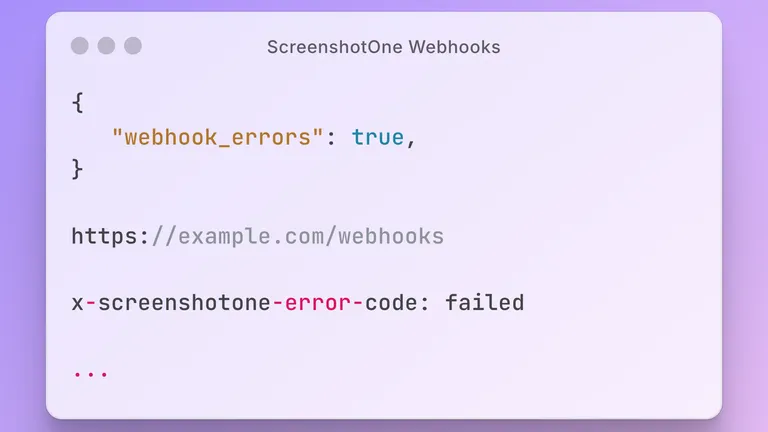
We added missing option helpers, including PDF margins, full-page slices, shadow DOM, motion reduction, hover actions, proxy bypass hosts, webhook errors, and request and content failure checks. Use .async_option(True) for the API’s async option and pass lists for repeated options such as .proxy_bypass_hosts(["cdn.example.com"]).
The SDK also has regression tests, CI checks across Python versions, and an updated README with links to Python tutorials.
See the Python SDK documentation for usage examples and the SDK README for error handling and useful resources.
If you have any questions or suggestions, please contact support@screenshotone.com.