CoAnimator integration is now available

Capture website screenshots and scrolling clips with ScreenshotOne inside CoAnimator for your product demos, launch videos, and tutorials.

Changelog1 min read

Written by

Dmytro Krasun

Published on

CoAnimator now includes a ScreenshotOne plugin. CoAnimator is a desktop animation studio where AI agents build and edit videos from your instructions, with local rendering and editable projects.

Connect your ScreenshotOne account to capture full-page screenshots, individual elements, and scrolling website clips for product demos, launch videos, and tutorials.

See it in action

This demo shows website captures turned into an animated product video with scrolling pages and device mockups:

Get started

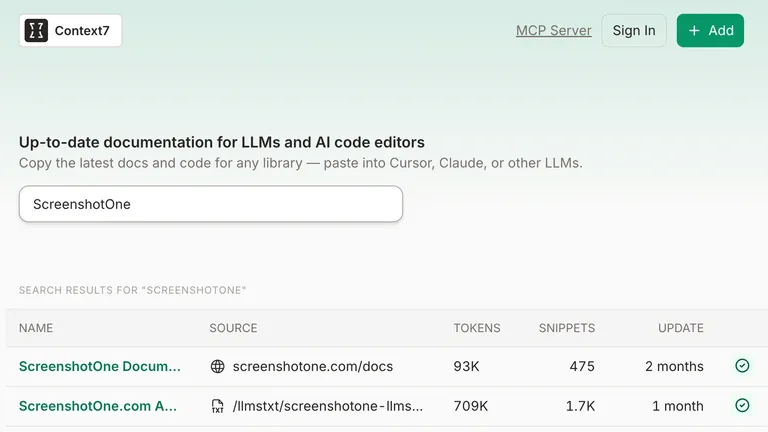
Install CoAnimator, open Plugins → ScreenshotOne, enable the plugin, and save your ScreenshotOne access key. Start a new agent session, then ask it to capture a website for your project.

Captures use your ScreenshotOne plan, and website URLs are processed by ScreenshotOne.

See the CoAnimator integration page for the setup screenshot and example prompts.
Read more product updates

New features, bug fixes, and optimizations...

View all product updates
Rendering errors in webhooks

Rendering errors in webhooks

Check out how to get notified about rendering errors when using webhooks.

Read more

1 min read

Stop scrolling screenshots when a given selector is visible

Stop scrolling screenshots when a given selector is visible

New options were added to the ScreenshotOne API to stop scrolling screenshots when a given selector is reached.

Read more

1 min read

Export request logs as CSV

Export request logs as CSV

Download filtered request logs as a zipped CSV for analysis, debugging, and reports.

Read more

1 min read

Automate website screenshots

Exhaustive documentation, ready SDKs, no-code tools, and other automation to help you render website screenshots and outsource all the boring work related to that to us.