Composio gives AI agents and assistants tools for working in other apps. It stores the credentials for each app and serves the tools through a hosted MCP server or its TypeScript and Python SDKs.
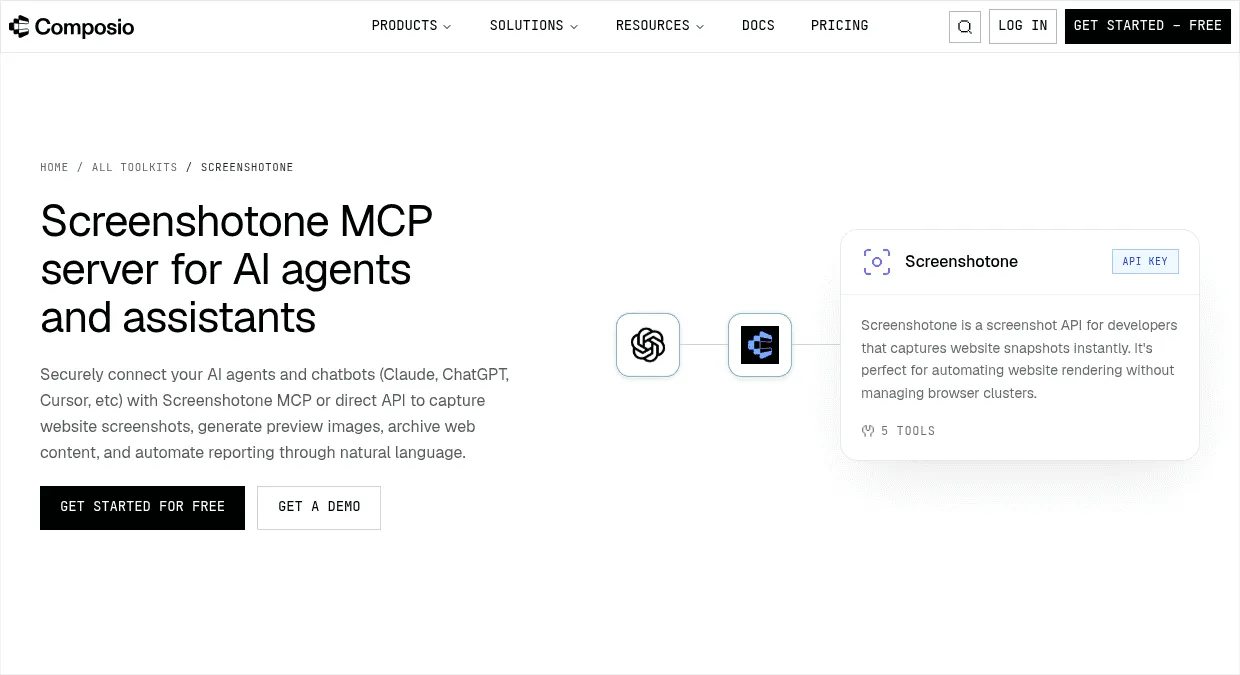
With Composio’s ScreenshotOne toolkit, your agents can render websites through the ScreenshotOne API without managing browsers. Connect it once with your ScreenshotOne API key, and use it from Claude, ChatGPT, Cursor, or an agent you build yourself.
Available Tools
- Take Screenshot - Generate a screenshot or PDF of a website, or render HTML or Markdown.
- Take Bulk Screenshots - Take up to 20 screenshots in one request, with shared defaults and individual overrides.
- Take Animated Screenshot - Capture an animated screenshot (video or GIF) of a given website URL.
- List Devices - Retrieve the list of supported devices for viewport emulation.
- Get Usage - Retrieve current API plan usage information.
Supported Agents and Frameworks
Composio has setup guides for ScreenshotOne with Claude Code, Codex, OpenClaw, Hermes Agent, and LangChain, and for other frameworks such as the OpenAI Agents SDK, Google ADK, LlamaIndex, CrewAI, and Pydantic AI.
ScreenshotOne also has its own hosted MCP server, which you can connect to an MCP client directly.
Use Cases
- Let an agent capture a page as an image or PDF and use it in a report or an answer
- Capture a list of pages in one request for audits and recurring checks
- Record scrolling videos and GIFs of landing pages for reviews
- Render HTML or Markdown as an image or PDF
- Check the remaining quota before starting a large batch
- Combine ScreenshotOne with other Composio toolkits in one agent, for example to share a capture in Slack
Resources
I am a very happy customer of ScreenshotOne by Dmytro Krasun.
I really wish all APIs would have great documentation, playground and SDKs like that. Dmytro really outdid himself.
Highly recommend 🤗