Added a URL to Markdown Tool

A new free ScreenshotOne tool to convert any public webpage URL into Markdown.

Changelog 1 min read

Written by

Dmytro Krasun

Published on

We have launched a new URL to Markdown tool.

The tool takes any public webpage URL, renders the page, and returns the result as Markdown instead of a screenshot or raw HTML.

Markdown is useful when you want content in a clean, portable format that is easy to copy into docs, notes, knowledge bases, and AI workflows.
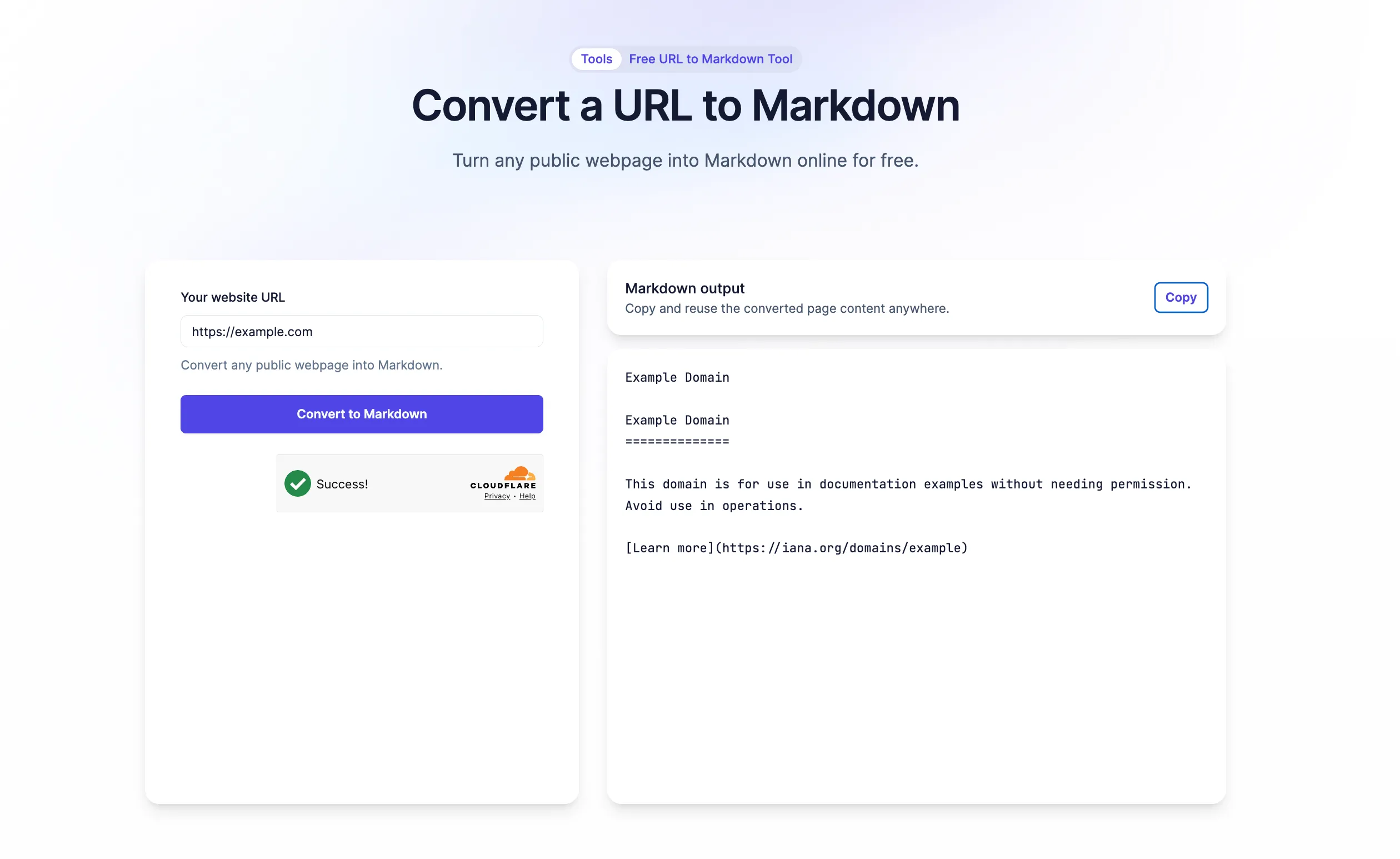
URL to Markdown Tool

This makes it simpler to turn website content into something you can read, edit, compare, store, or process with LLMs.

Open the URL to Markdown tool and let us know what other tools you want to see at support@screenshotone.com.


Read more product updates

New features, bug fixes, and optimizations...

View all product updates
Transfer organization ownership

Transfer organization ownership

From today, you can transfer organization ownership to another user.

Read more

1 min read

Improved the behavior and stability of the "scroll_into_view" option

Improved the behavior and stability of the "scroll_into_view" option

Before the change, there was a subset of cases when the rendering requests were failing when using the scroll_into_view option. Now, it is improved and will make rendering more stable.

Read more

1 min read

ScreenshotOne is available as a ChatGPT plugin

ScreenshotOne is available as a ChatGPT plugin

From today, you can render screenshots of any website or even raw HTML in ChatGPT—ScreenshotOne is available as a plugin. But at the moment of writing not available yet, in the official store, but it can be available when you read it.

Read more

2 min read

Automate website screenshots

Exhaustive documentation, ready SDKs, no-code tools, and other automation to help you render website screenshots and outsource all the boring work related to that to us.