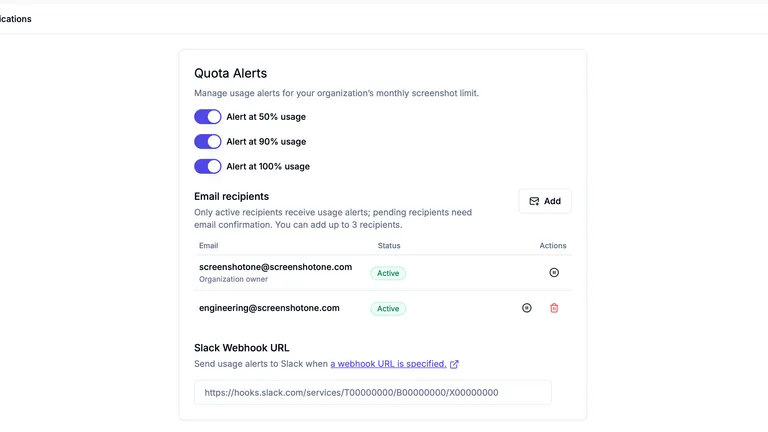
Added a "copy page" button in documentation

You can now copy the page content as Markdown for LLMs and more.

Changelog 1 min read

Written by

Dmytro Krasun

Published on

We have added a new “copy page” button in documentation that allows you to copy the page content as Markdown for LLMs and more.

It allows to process the documentation content faster and more efficiently.

For example, check out our errors page:
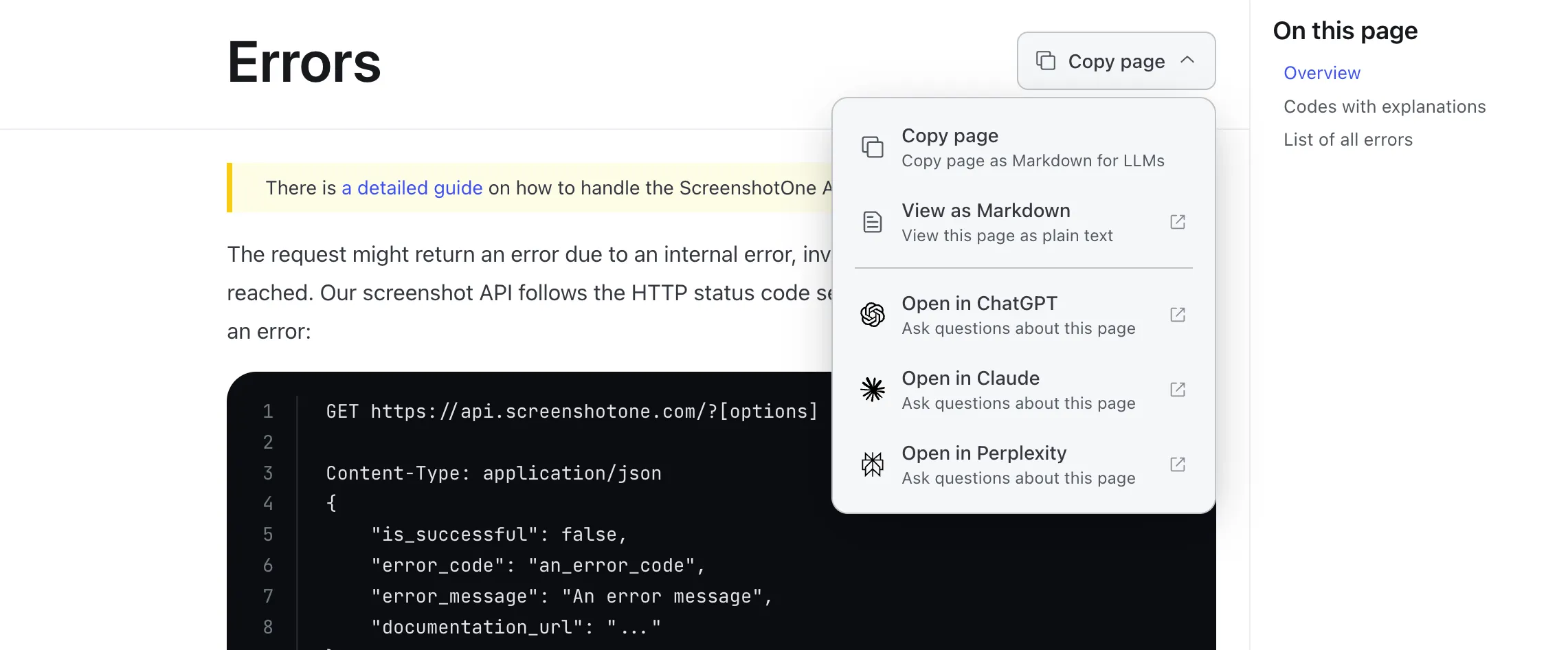
A screenshot of the new copy page button on the errors page

If you have any questions, suggestions, or feedback, please contact us.

Read more product updates

New features, bug fixes, and optimizations...

View all product updates
Support for multiple API keys

Support for multiple API keys

You can now use multiple API keys to the access ScreenshotOne API.

Read more

1 min read

Better authentication for ScreenshotOne dashboard

Better authentication for ScreenshotOne dashboard

Email and password authentication, email change flow, email verification, GitHub authentication, and improved UX/UI.

Read more

6 min read

Choose the full page screenshot algorithm

Choose the full page screenshot algorithm

Now, you can choose the full page screenshot algorithm.

Read more

1 min read

Automate website screenshots

Exhaustive documentation, ready SDKs, no-code tools, and other automation to help you render website screenshots and outsource all the boring work related to that to us.