The story is based on answers shared by Iaroslav Morguov, founder of ScreenSnap Pro, about how ScreenshotOne powers website capture inside the app.
A few words about ScreenSnap Pro
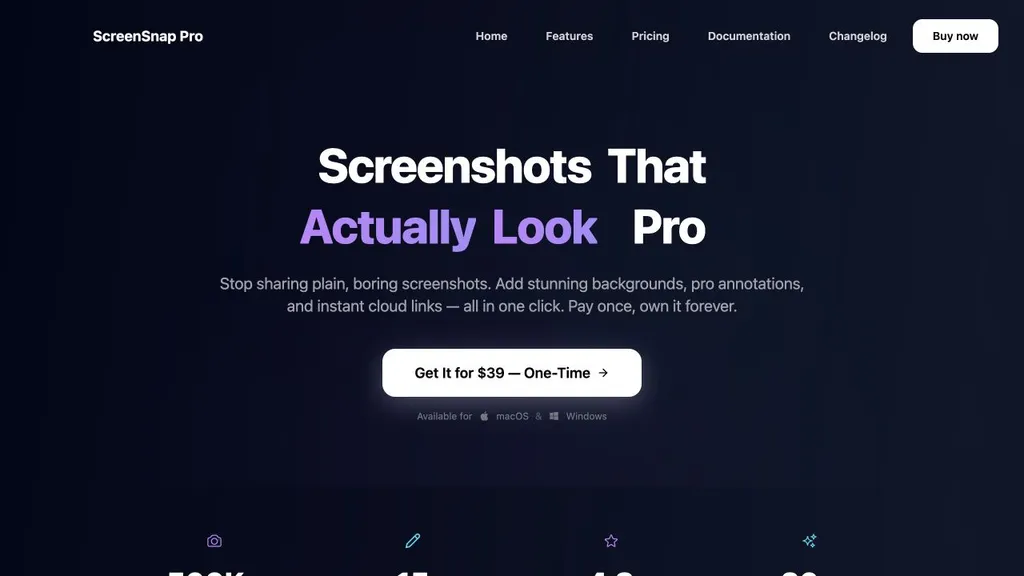
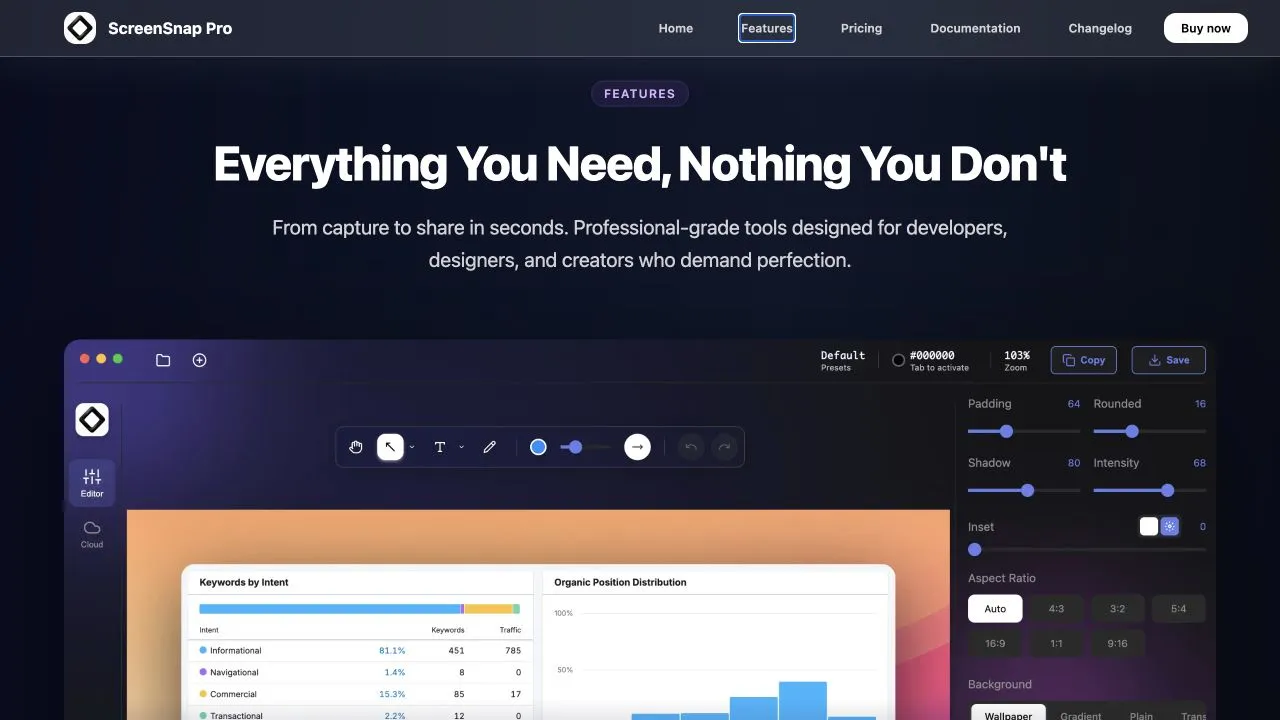
ScreenSnap Pro is a screenshot and screen recording app for Mac and Windows. It replaces the basic built-in capture tools with a full capture, polish, and share workflow: grab a region, window, or full screen, drop it on one of 500+ gradient backgrounds, annotate it, and get a shareable cloud link in seconds.
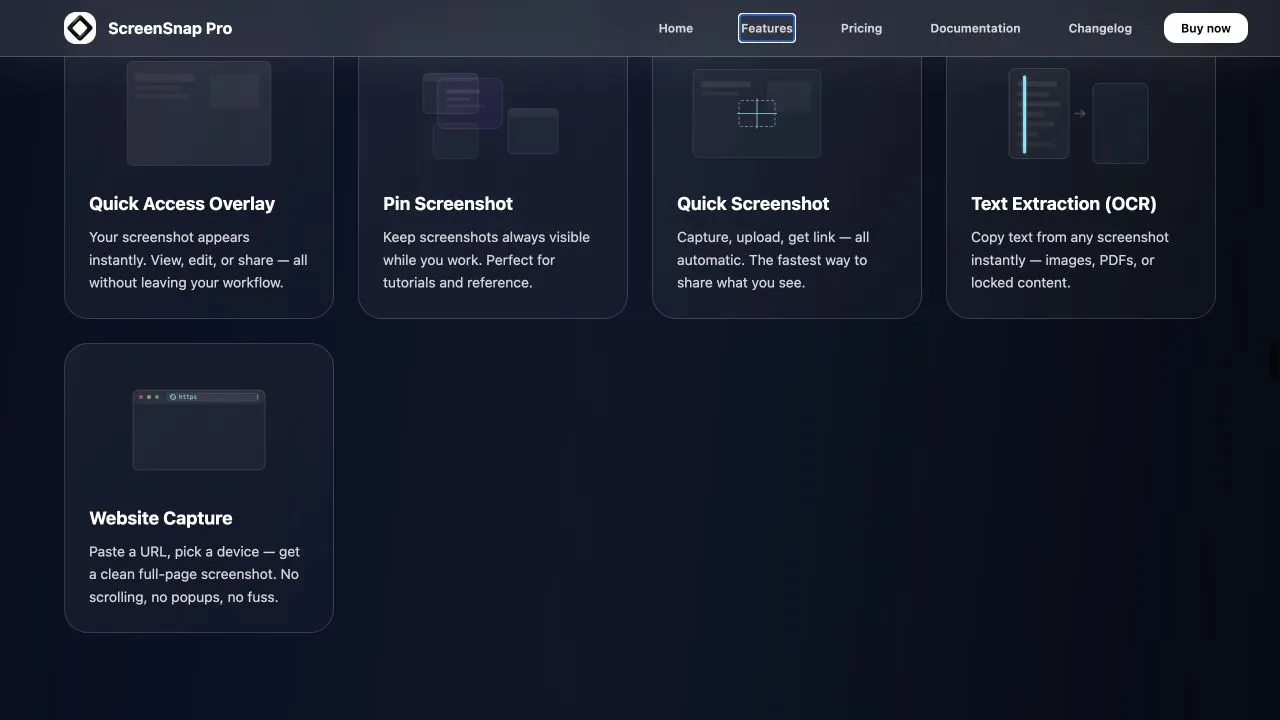
Beyond stills, it records screen video and GIFs directly, with webcam, microphone, and system audio. It also does OCR text extraction from any image, pinning a screenshot above other windows for reference, and a quick access overlay so you can edit and share without leaving what you were doing. There are no watermarks on anything.
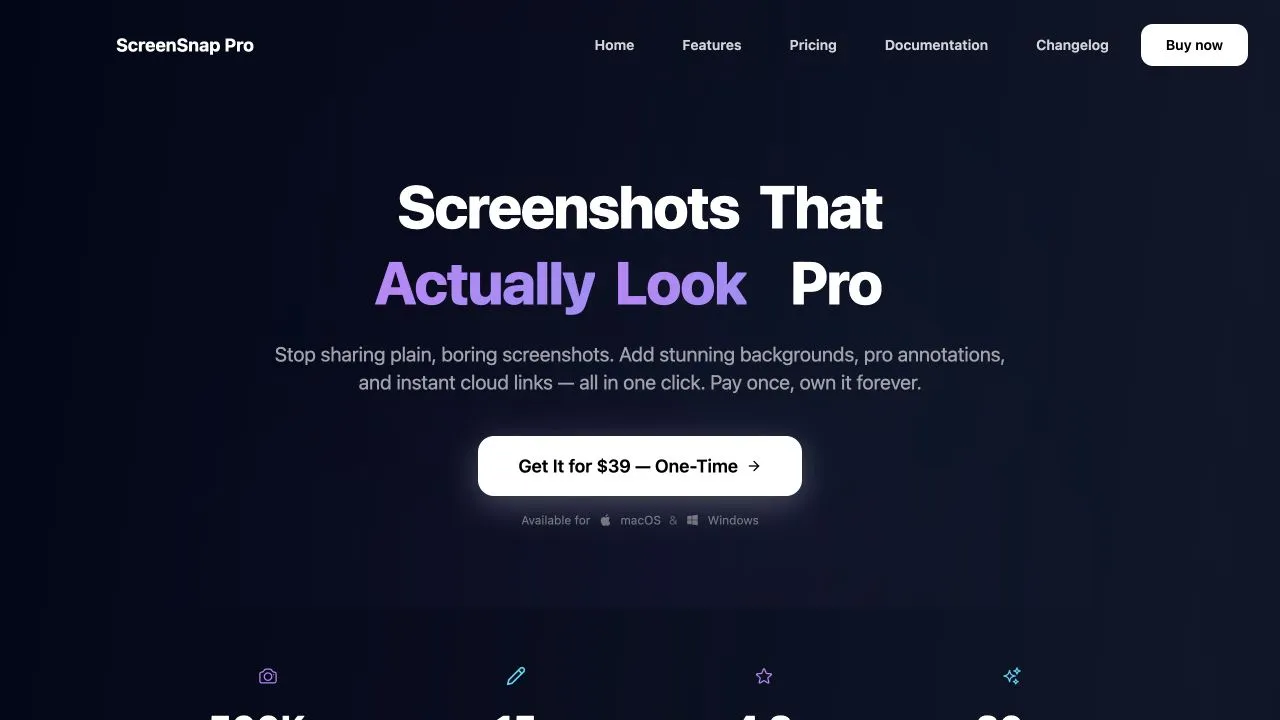
It is a one-time purchase, not a subscription. That includes two license keys, one for you and one for someone else, and comes with free updates forever. In Iaroslav’s words, there is “no update once a year bullshit.”
You can find the full offer on the ScreenSnap Pro pricing page.
Who ScreenSnap Pro is for
ScreenSnap Pro is for people who take screenshots all day and care how they look. Mainly developers filing bug reports and sharing terminal output, designers and marketers producing visuals for landing pages and social, and content creators and educators making tutorials and demos.
The common thread is someone who has outgrown the built-in tool but does not want another monthly bill, which is why most people find ScreenSnap Pro while searching for an alternative to a subscription product.
Why ScreenSnap Pro integrated ScreenshotOne
Iaroslav decided to integrate ScreenshotOne into the app when he realized it would be useful to offer more than just image and video screen capture. He also wanted to give users an easy way to take full-page screenshots of websites directly from the app.
I was already using ScreenshotOne in some of my Claude agentic workflows, and it had been working really well, so integrating it into ScreenSnap Pro felt like a natural choice.
Now users can capture website screenshots directly from the app, with plenty of options such as browser window size, capture delay, first-screen or full-page capture, and more.
Another big advantage is ScreenshotOne’s generous pricing, which makes the feature extremely inexpensive to run even when it is integrated directly into the app.
Iaroslav’s experience with ScreenshotOne
There are occasional issues when capturing certain websites, but these are usually caused by the website’s own policies or bot protection, which is difficult for any screenshot service to bypass.
The API is well designed, the documentation and tutorials are helpful, and there are plenty of useful examples and use cases. Integration was straightforward, and the pricing is very fair.
You can download ScreenSnap Pro for Mac or Windows, or learn more about rendering full-page website screenshots with ScreenshotOne.