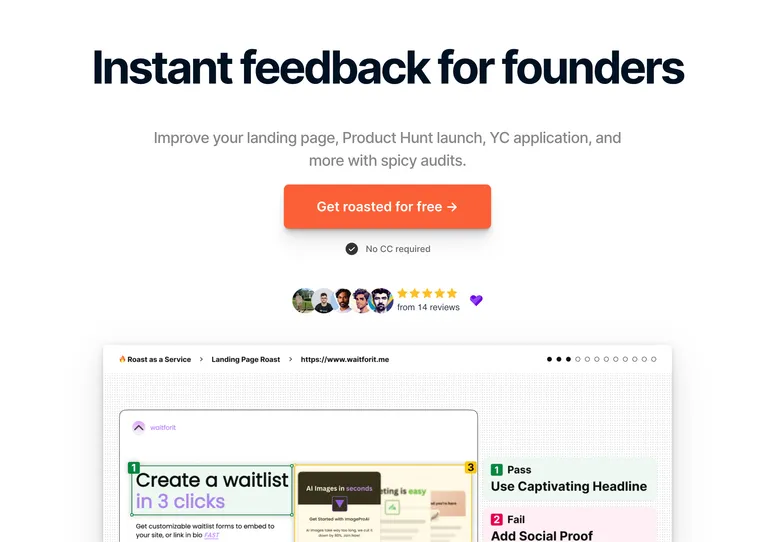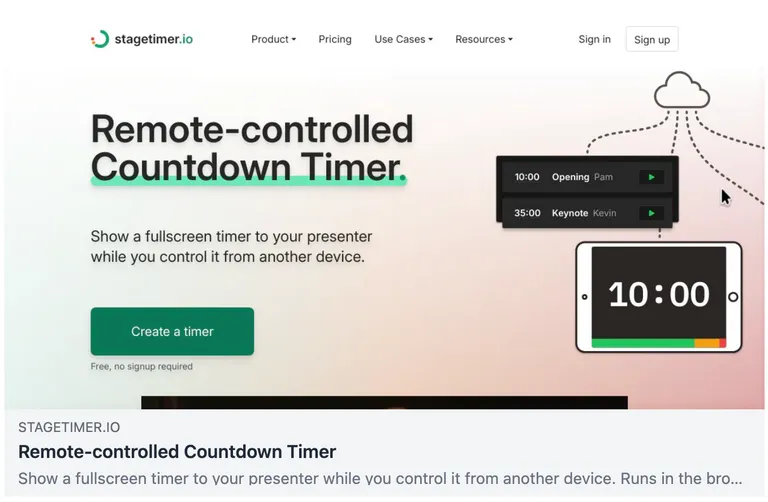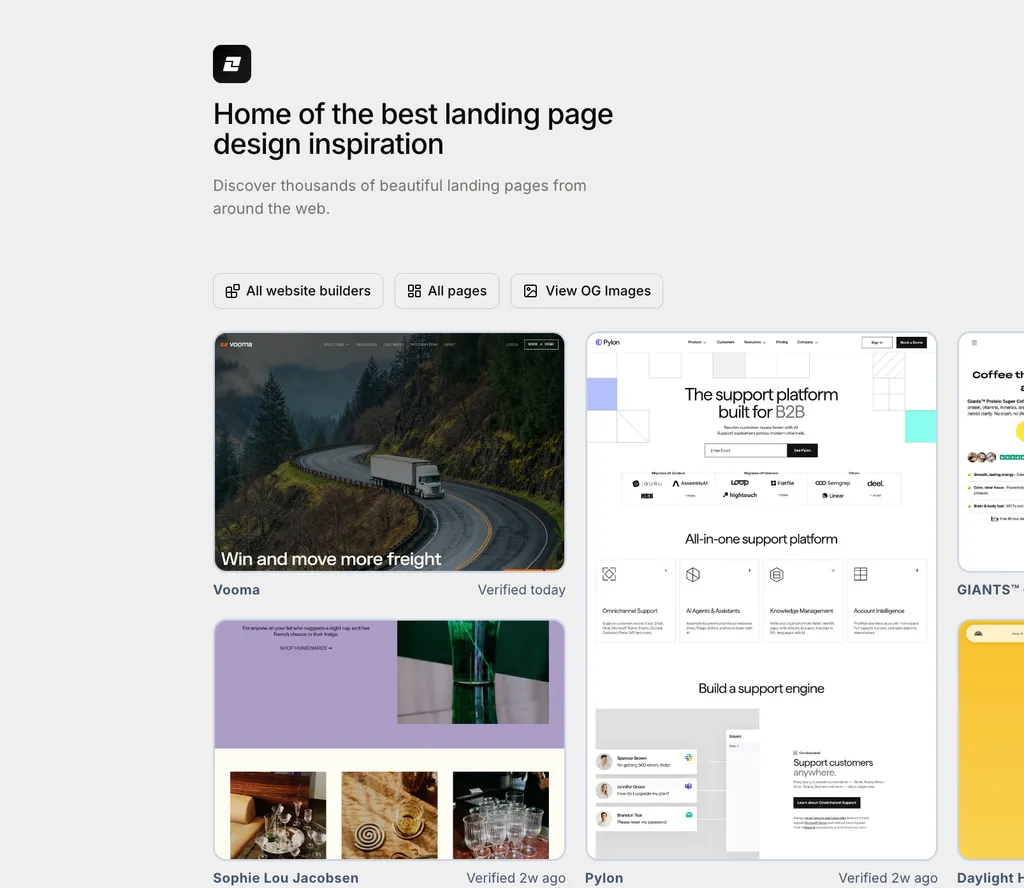
The post is written by Chris Jayden (and published as-is), the maker of Landing Gallery and shares how he uses ScreenshotOne to automate screenshot workflow for his design-inspiration platform.
Landing Gallery
Landing Gallery is a landing page inspiration site that helps you find the best landing pages for your new venture.
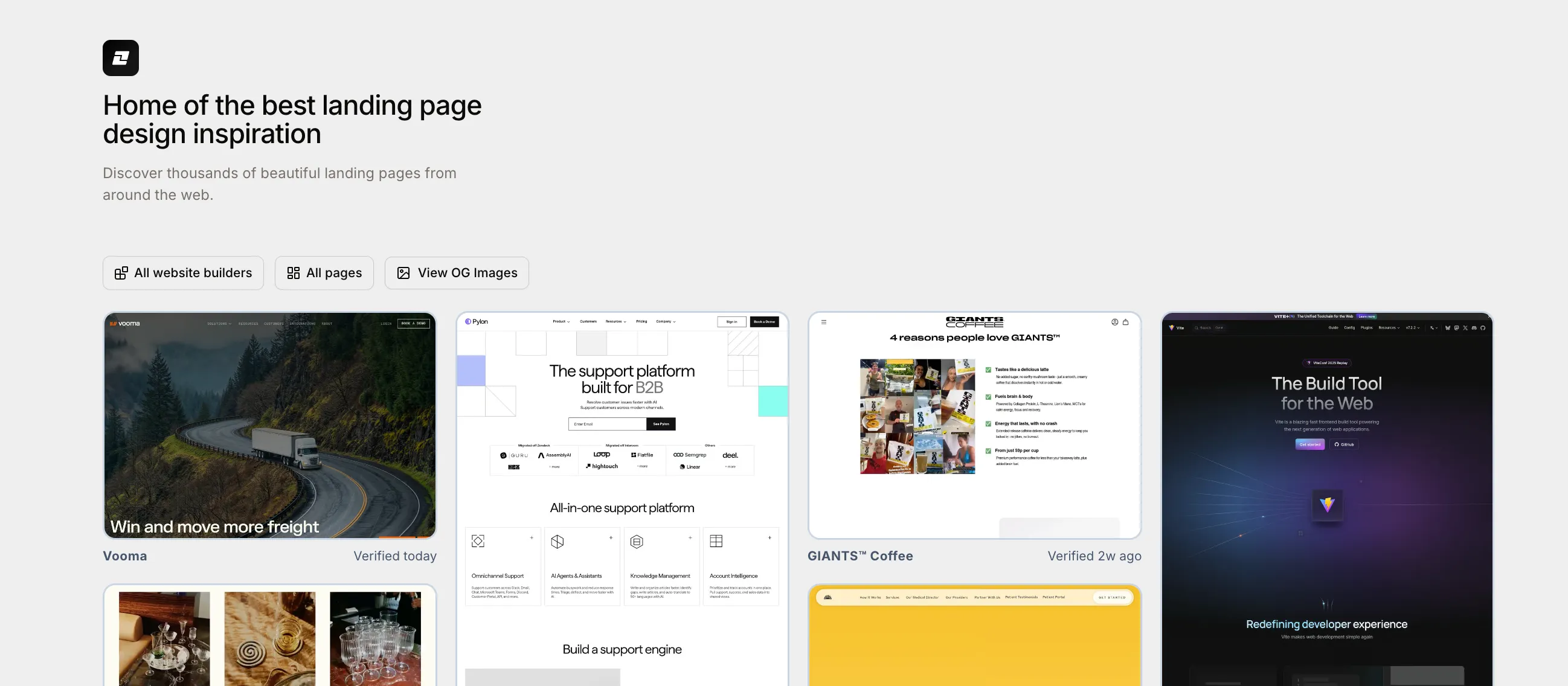
My application started as a landing page inspiration site. I was following the work of Danny Postma, the creator of HeadshotPro and Landingfolio. Landingfolio is a simple landing page inspiration site, but I noticed it wasn’t getting many updates. I thought: maybe I should just build my own.
I knew ranking was difficult, so I was looking for a niche. I initially focused on no-code tools like Framer, Webflow, and similar platforms. But that market proved challenging; it’s hard to find sites consistently, and you have to manually verify everything.
Eventually, I converted it from No Code Gallery to Landing Gallery. The domain was surprisingly still available and today, the site attracts around 5,000 visitors monthly.
Discovering ScreenshotOne on social media
I discovered ScreenshotOne about three to four years ago while building what was then called NoCodeGallery. I was searching for a screenshot API to replace the older one I’d been using—it was kind of working, but I wanted something newer, faster, and with features like webhook delivery that my existing solution lacked.
I stumbled upon ScreenshotOne on Twitter, and it immediately caught my attention.
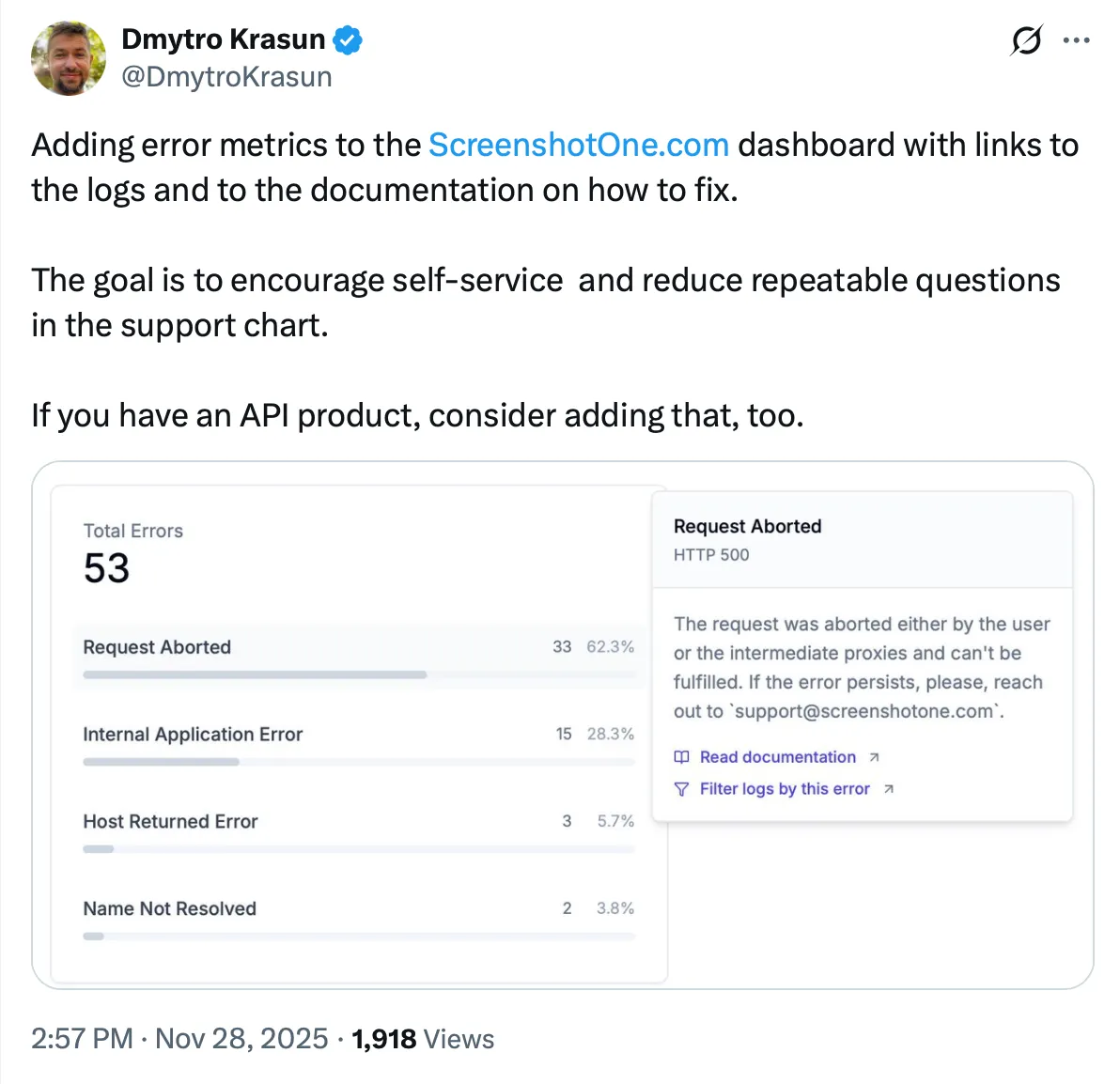
Not only was it incredibly affordable, but the founder, Dmytro, was really active on the platform and responded to all my inquiries. Whether through Twitter or the chat support via Crisp, he just responds to everything. That level of accessibility and engagement made a real difference.
ScreenshotOne Alternatives
I did check alternatives in the market, of course. But there was something about ScreenshotOne that made me believe in the founder. I’d rather stick with someone I can connect with and trust than use an API where I have no idea who’s behind it. That personal connection and transparency set ScreenshotOne apart from the competition.
The combination of a fast, reliable API, transparent pricing, and a founder who genuinely engages with his users makes it an easy choice.
Integrating ScreenshotOne was easy
Integrating ScreenshotOne was really easy. At first, I did a normal integration using regular JavaScript, and then when Dmytro released the SDK, I switched to that.
I still have another project that uses the plain JavaScript API, and even then, it’s super easy to integrate. One thing I’ll mention: the API is powerful and comes with a lot of options, which can feel overwhelming at first.
I integrated this back before AI assistance was as good as it is today, so navigating all those options took some exploration. But the flexibility is ultimately a strength once you get familiar with it.
How ScreenshotOne Powers My Workflow
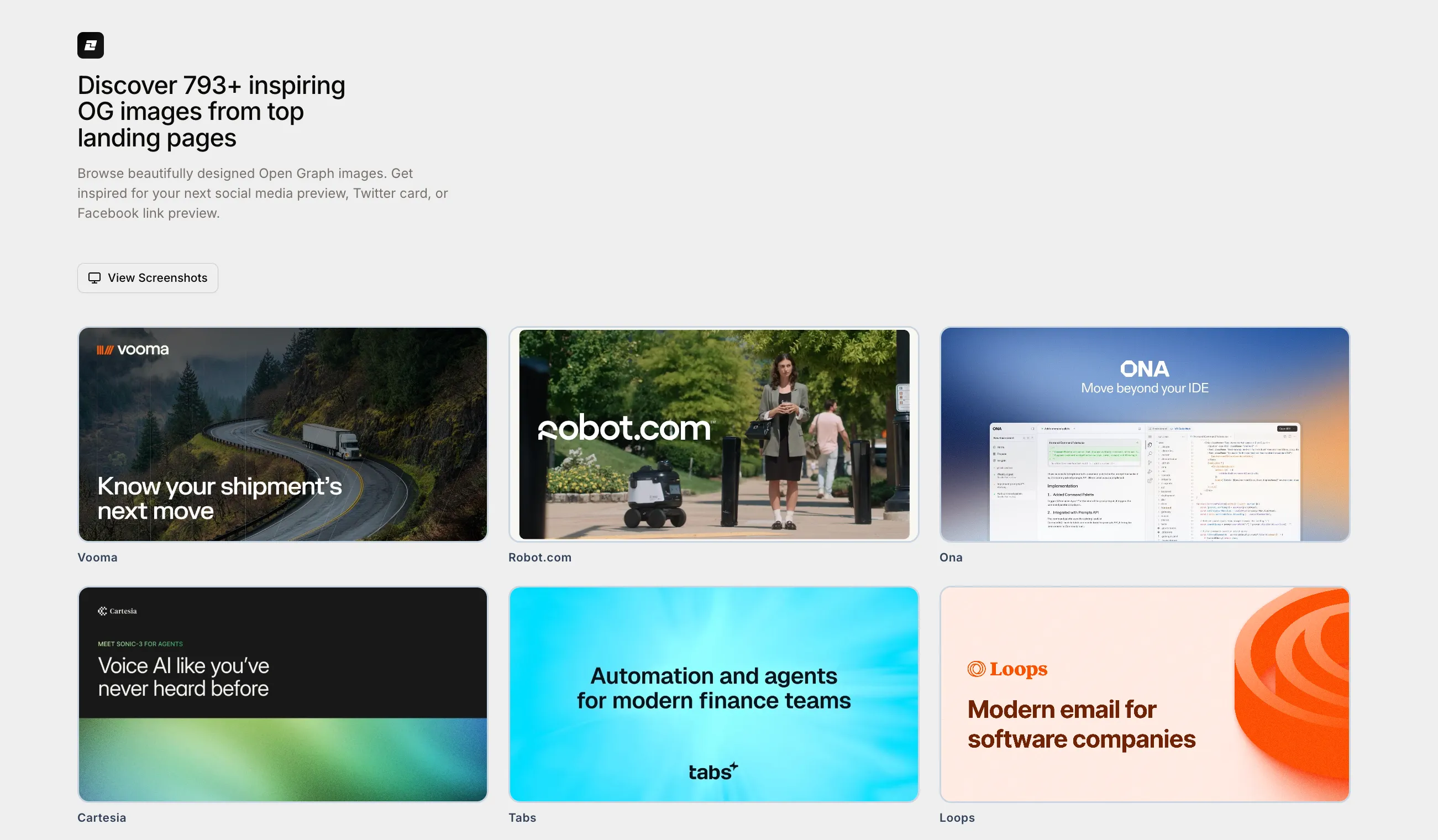
My daily workflow involves adding two to three new sites to the gallery. I’ve built an admin interface where I input URLs, and from there, the system automatically scrapes metadata like website names and Open Graph images, we actually have a dedicated OG image inspiration section too.
It also runs technology detection through StackSee, a technology identifier API I built, which identifies whether a site was made with Framer, Webflow, or other tools. This data feeds directly into my programmatic SEO pages.
ScreenshotOne helps me do almost nothing when it comes to taking screenshots—and I mean that in the best way possible. Before, I used a Chrome extension to capture full-page screenshots manually. Now, I just use ScreenshotOne to take around 10 screenshots from one website at a time, and it finishes within 2 to 3 minutes. That’s a massive time saver.
Feedback
I’m a huge fan of ScreenshotOne and everything Dmytro is doing. The combination of a fast, reliable API, transparent pricing, and a founder who genuinely engages with his users makes it an easy choice. If you’re building anything that requires automated screenshots, I’d highly recommend giving it a try.